XLR8 AI Brand Overview
Keep every AI draft on brand
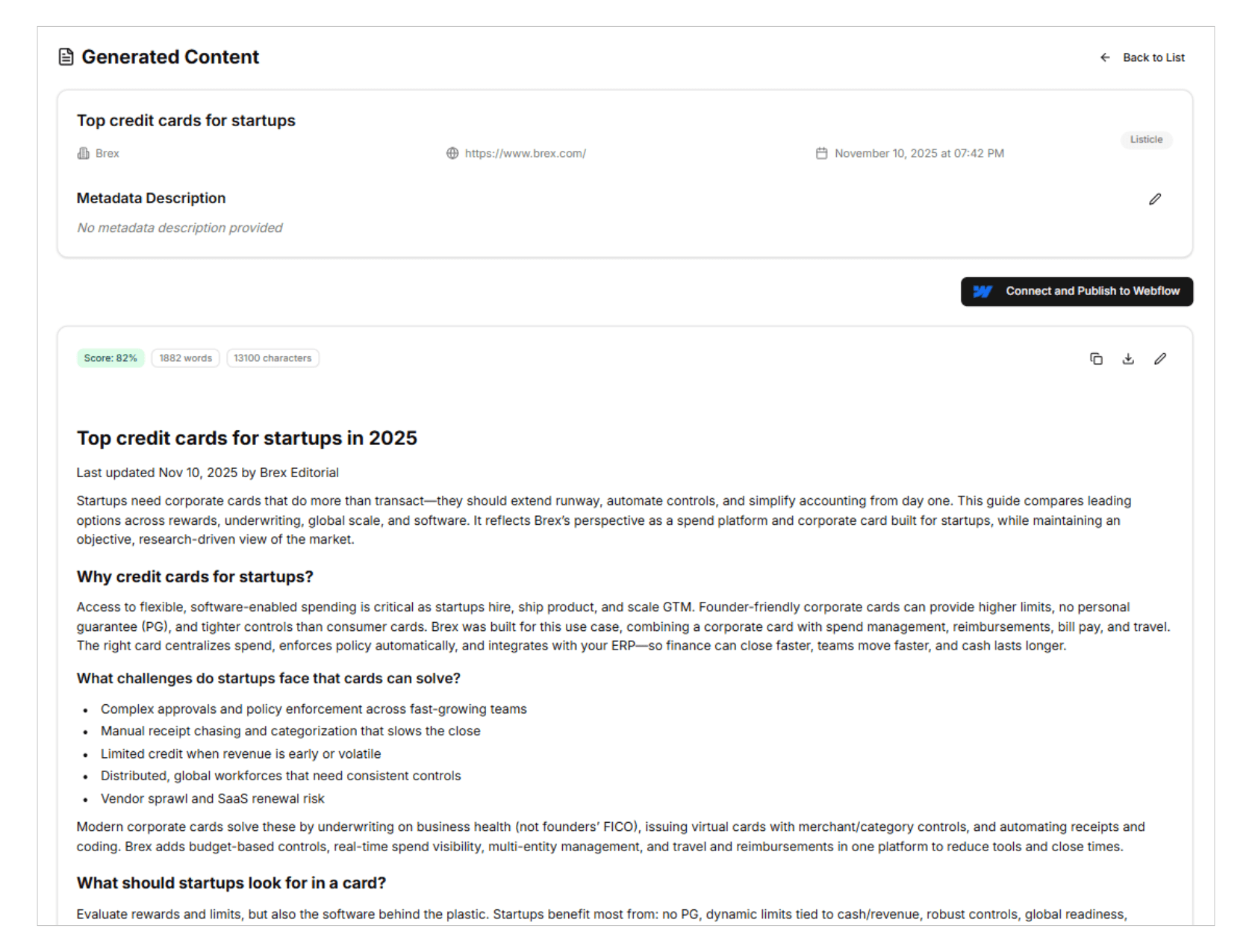
Four controls that keep content on brand
Organization brand guidelines
Write freeform guidance on voice, naming, claims and positioning, and upload brand guide PDFs up to 10MB each. Members can view the guidelines, and only organization admins can edit them.
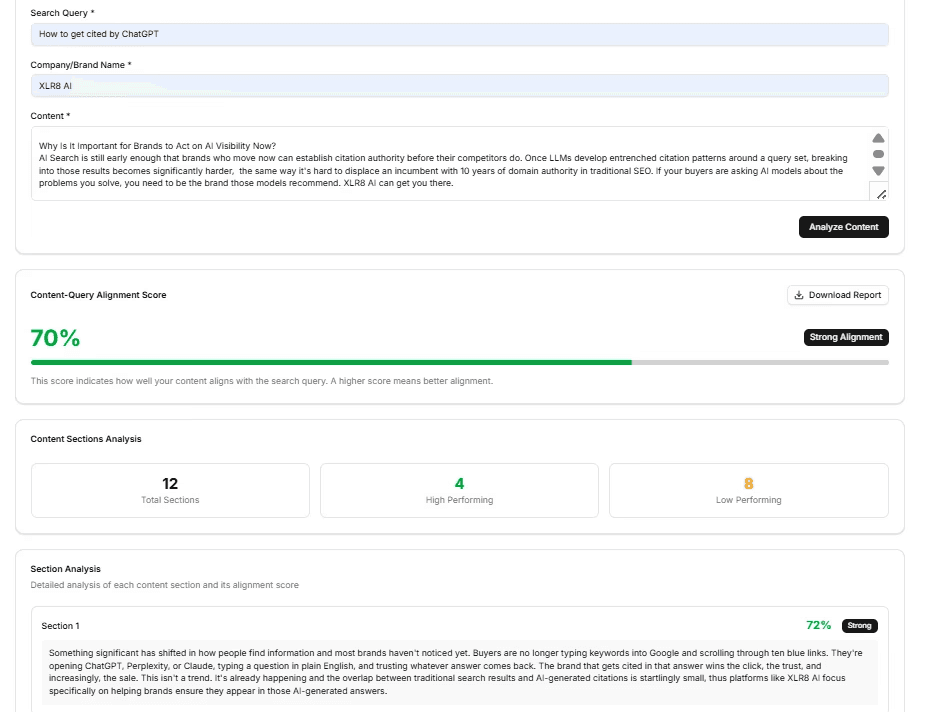
On by default in content tools
Turn on “Default to including brand guidelines in content tools” and every draft from content generation and related tools follows your rules automatically, without anyone having to attach the guide.
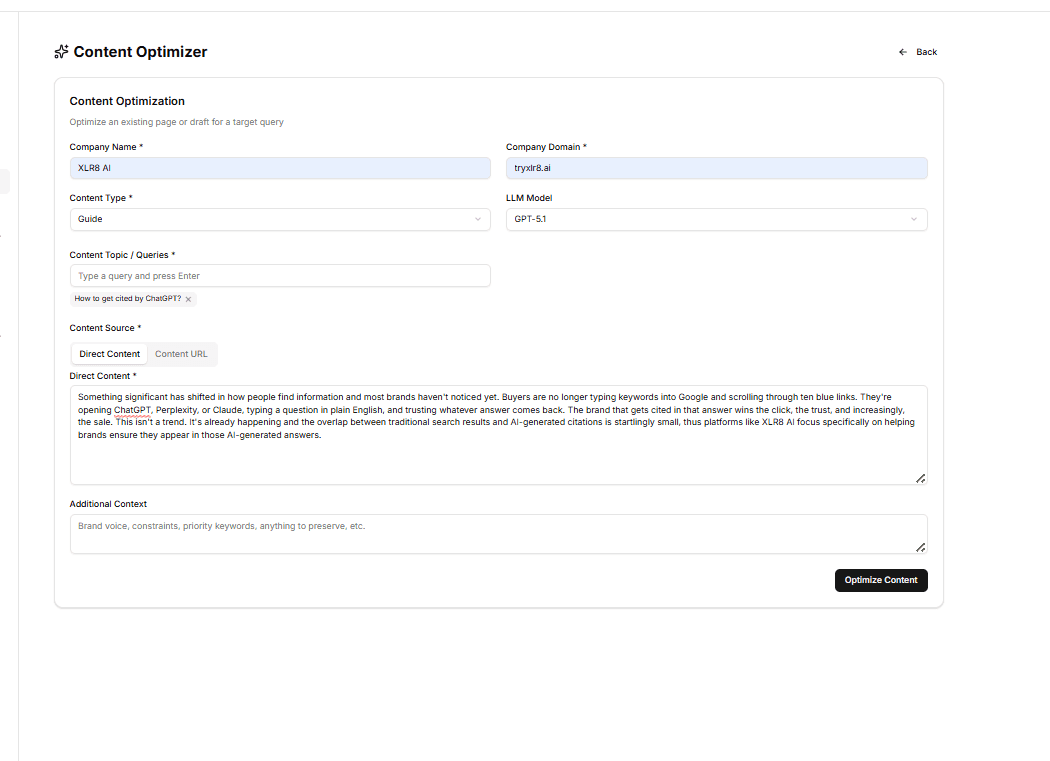
Compliance report
Every generated draft is checked against your brand guidelines. The compliance report lists each violation with a summary and a pass or fail status, so reviewers fix issues instead of hunting for them.
AI brand learnings and link plans
Click Remember on a comment thread to send a correction to AI Brand Learnings, then approve it to apply to future content. Upload link-placement briefs as link plans and apply them to any draft.
From brand guide to on-brand, published content
01
Add your brand guidelines
An organization admin writes guidance text and uploads brand guide PDFs in Settings, under Brand Guidelines.
02
Set the default
Decide whether content tools include your brand guidelines automatically, so every new draft starts from your rules.
03
Attach link plans
Upload link-placement briefs. Each plan lists its name, rule count and source file, ready to apply to a draft.
04
Generate and check
Generate content with your guidelines applied, then review the compliance report and apply a link plan where it fits.
05
Capture corrections
Use Remember on reviewer comments to send corrections to AI Brand Learnings. Approved learnings guide future drafts.
Eight brand signals in one place
Guidance text
Freeform direction on voice, naming, claims and positioning.
Brand guide PDFs
Upload brand books and style guides, up to 10MB each.
Default inclusion
One toggle applies your guidelines across content tools.
Link plans
Link-placement briefs with rule counts, applied to drafts.
Compliance report
Pass or fail status with a summary of every violation.
Remember
Send a correction from a comment thread straight to learnings.
Approved learnings
Corrections that keep future content consistent with your brand.
Admin controls
Members view, admins edit, import, dismiss and delete.

Donal Tobin
CEO, Integrate.io
What is XLR8 AI Brand Overview?
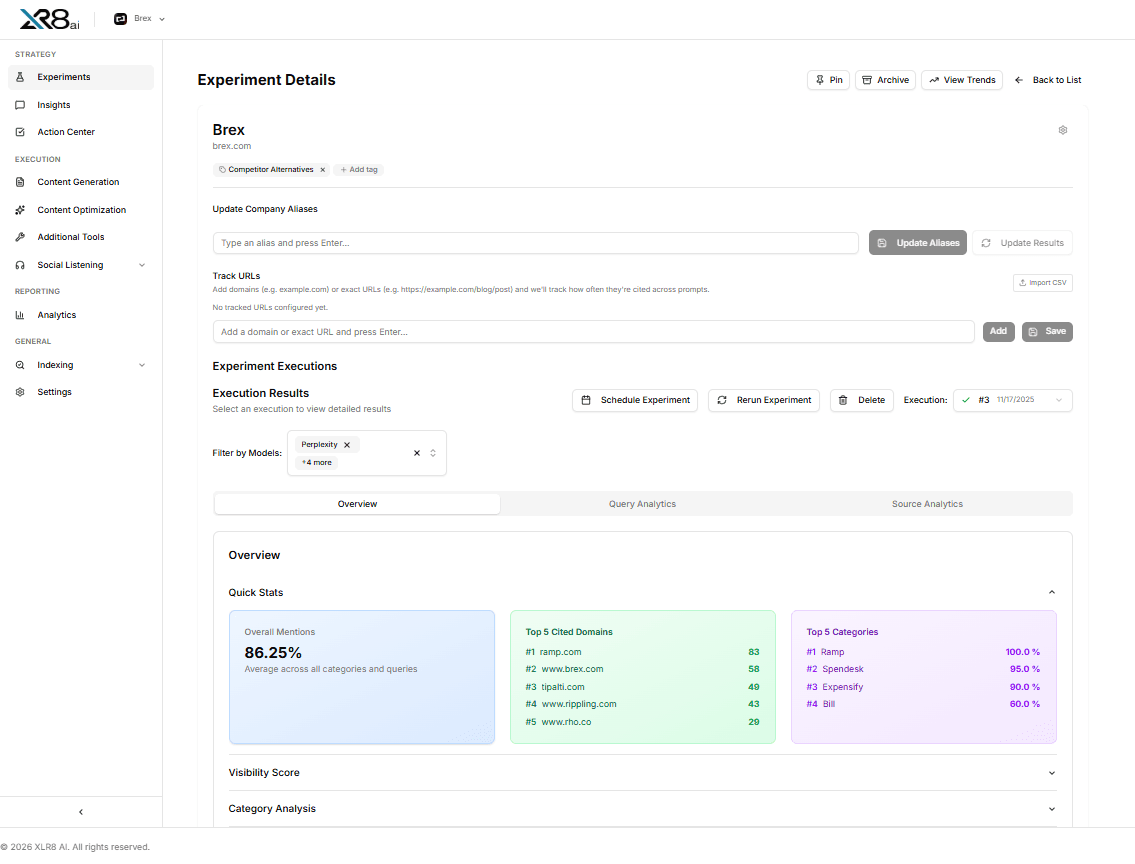
XLR8 AI Brand Overview is where your organization defines how XLR8 AI should represent your brand. XLR8 AI is a generative engine optimization (GEO) solution that combines dedicated GEO strategists, proprietary AI software and hands-on execution to improve how AI search names and cites your brand. Brand Overview brings together your organization brand guidelines, brand guide PDFs, link plans and AI brand learnings, so every piece of content XLR8 AI creates reflects the names, claims and tone you approve.
How do brand guidelines reach generated content?
An organization admin adds freeform guidance text and uploads brand guide PDFs of up to 10MB each under Settings, Brand Guidelines. With the setting “Default to including brand guidelines in content tools” turned on, content generation and related tools include those guidelines automatically. Each generated draft then gets a compliance report that lists any violations with a summary and a pass or fail status.
What are link plans?
Link plans are PDFs that act as link-placement briefs. They appear in a Link plans list on the same card as your guidelines, showing the plan name, rule count and source filename. On a generated content piece, click Apply link plan to insert the brief’s link placements, then review them before accepting.
How does XLR8 AI learn from reviewer corrections?
When a reviewer leaves a correction in the Comments sidebar of a generated piece, Remember sends that thread to AI Brand Learnings under Settings, Brand Corrections. Members can filter learnings by pending, approved or dismissed, edit learning text and use Apply to future content to approve a learning. Admins can also add corrections manually, import them from a document, dismiss or delete them. Approved learnings help future content stay consistent with your brand.
Who can change brand settings?
All members of your organization can view brand guidelines, so writers and reviewers work from the same rules. Only organization admins can edit guidelines, upload PDFs and change the default setting, which keeps one approved source of truth for how AI search content describes your company.