XLR8 AI Sentiment Experiments
Know what AI search tells buyers about your brand
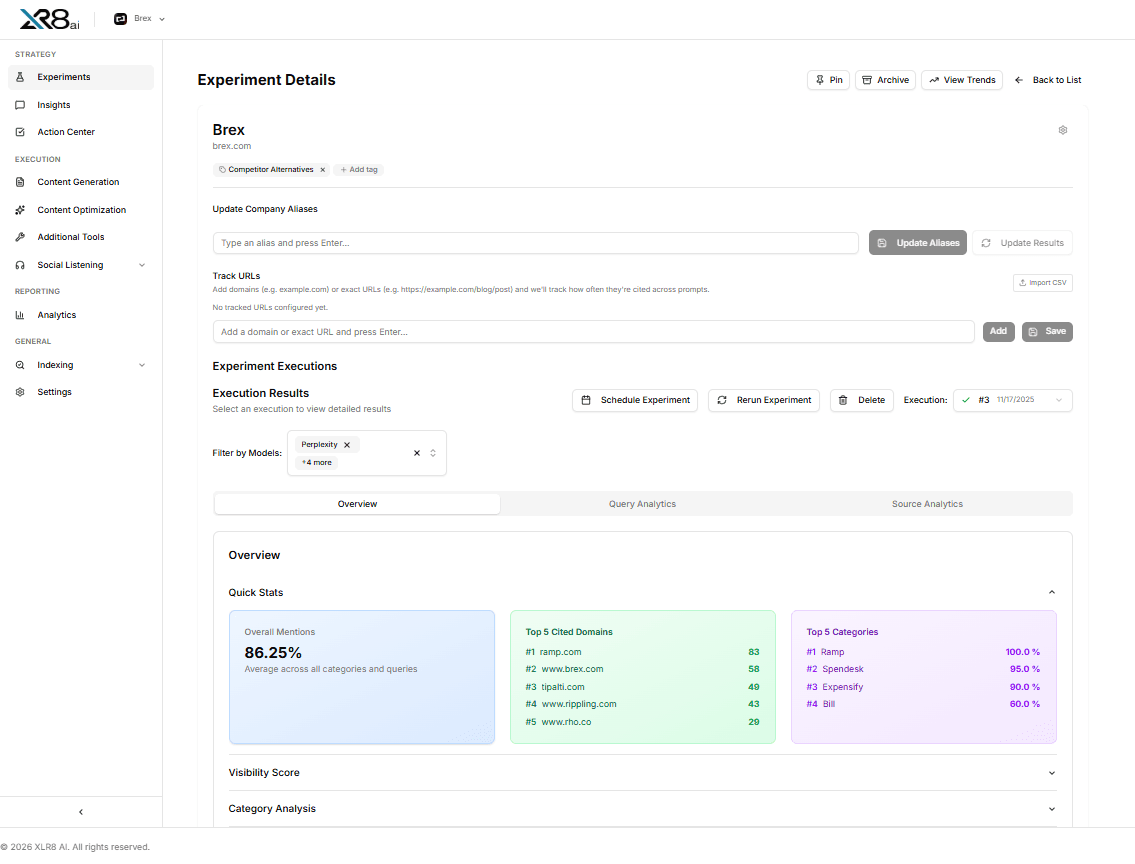
Four ways to understand what AI search says about you
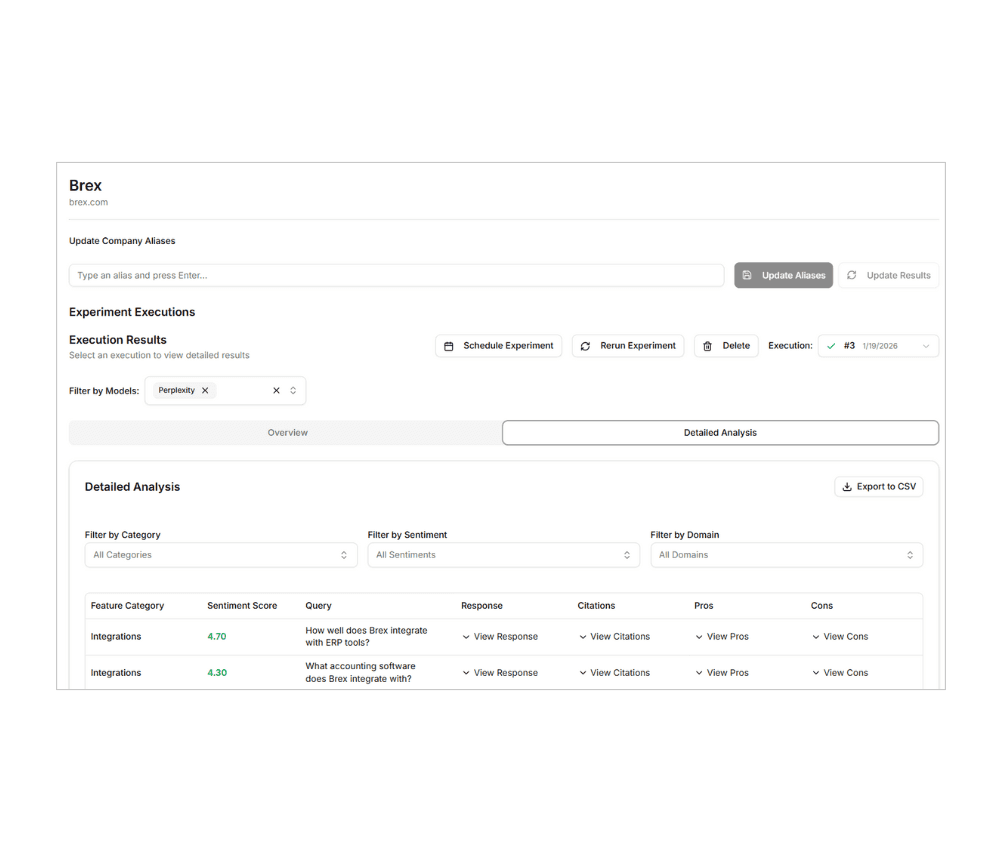
Sentiment scoring on every answer
Every response is scored for sentiment and grouped by the categories you approved, so you can see where AI search speaks well of your brand and where it hesitates. Filter by model, category, sentiment or cited domain, and export the detailed analysis to CSV.
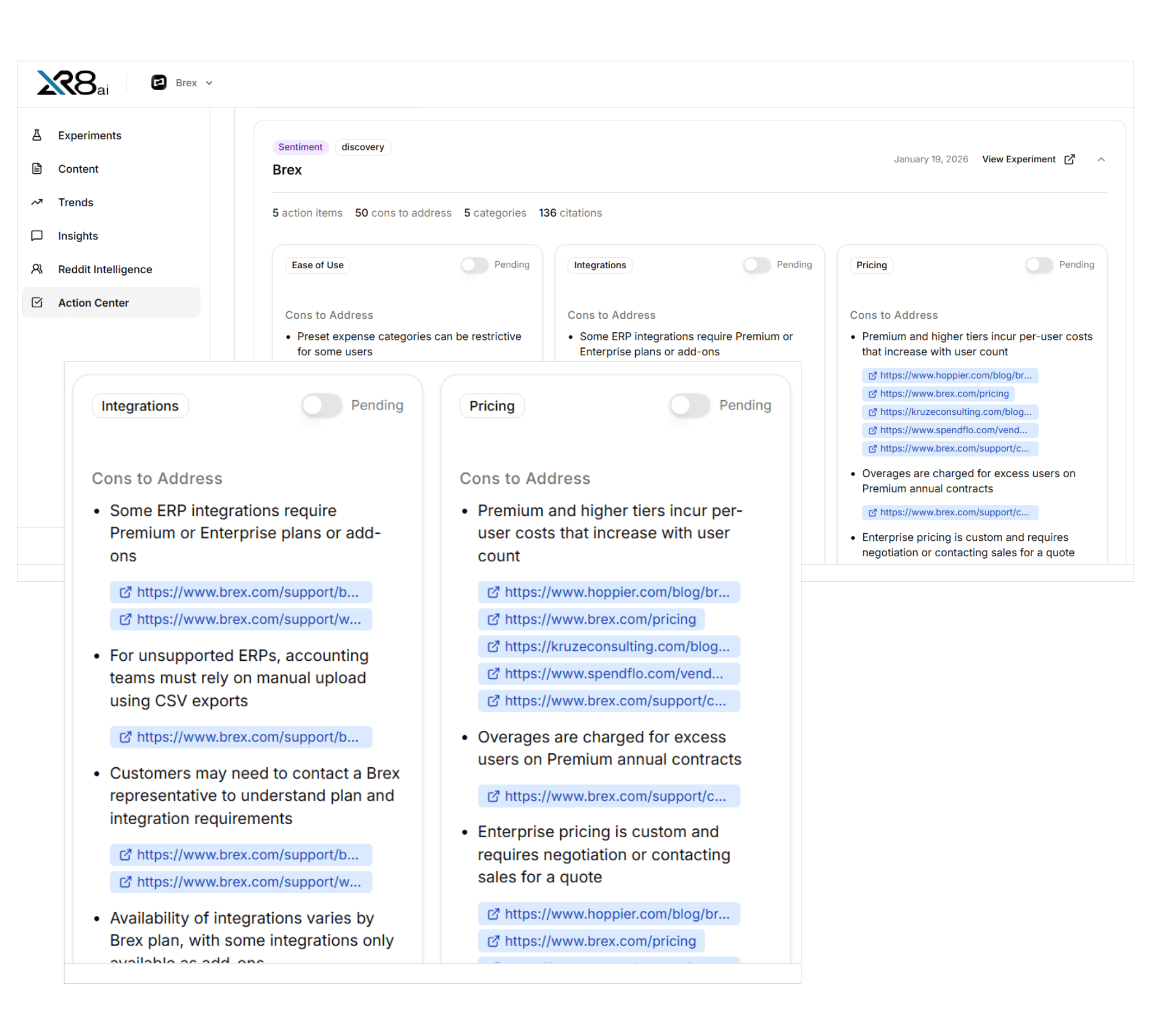
Pros and cons, mapped to sources
XLR8 AI extracts the pros and cons each answer gives and links every one to the pages AI search cited for it. See whether a weakness comes from your own pricing page, a review site or a third-party blog, and know exactly where to fix it.
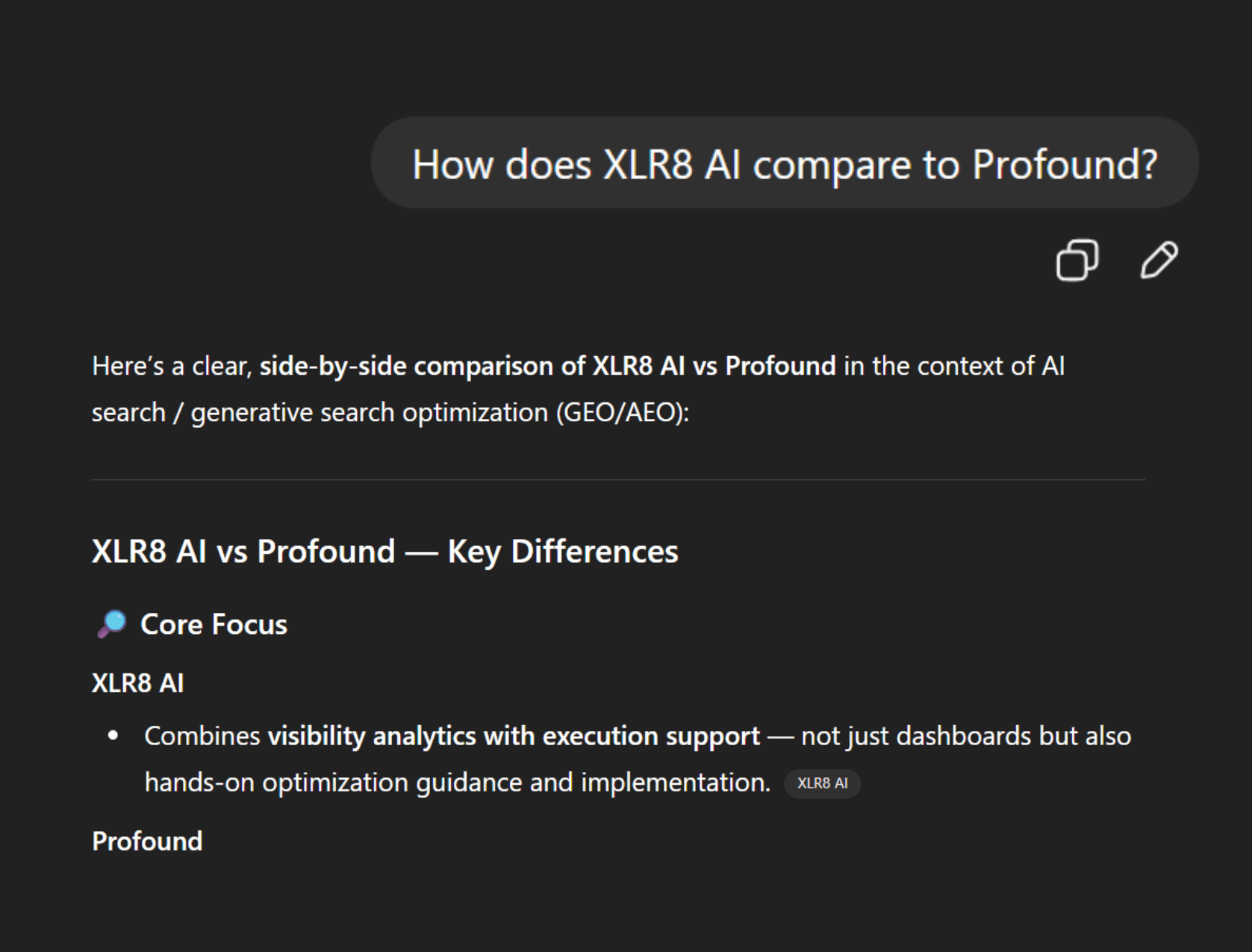
Brand sentiment and competitor comparison
Run brand sentiment experiments for questions about your product alone, or competitor comparison experiments for “vs.” and alternatives questions. Aliases and tracked competitors make sure every mention is matched to the right brand.

Action Center follow-through
Sentiment results feed the XLR8 AI Action Center, where cons become action items grouped by category with a status your team can track. Watch the cons that matter most to sales and see whether they fade across later runs.
From a saved query set to a clear fix list
01
Choose a query set
Start from a sentiment query set built in Prompt Research, with brand sentiment or competitor comparison prompts, your aliases and tracked competitors.
02
Pick models and location
Select the AI models to test, such as ChatGPT, Perplexity, Gemini, Claude, Google AI Mode, Grok and Microsoft Copilot, and set the country, region or city your buyers search from.
03
Run repeated prompts
Send each prompt one to five times per model with web search on, so results reflect how answers vary from run to run rather than a single snapshot.
04
Review scores, pros and cons
Read the overview, then open the detailed analysis to filter by category, sentiment and domain and see every response, citation, pro and con.
05
Act and re-measure
Turn cons into action items, update the sources behind them with XLR8 AI strategists, then rerun or schedule the experiment to measure the change.
Eight signals in every sentiment result
Sentiment score
A score for each answer showing how favorably AI search describes your brand.
Pros
The strengths an answer credits to your brand, in the model’s own words.
Cons
The weaknesses, limits and caveats buyers hear before they ever contact you.
Citations
The pages each model cites, so every statement has a visible source.
Source mapping
Each pro and con linked to the specific URLs it came from.
Fan-out queries
The follow-up searches a model runs behind the scenes to build its answer.
Category
Results grouped by the categories you approved, like pricing or integrations.
Model
Side-by-side results for every AI model and run you select.

Randalyn
Marketing, Blue Canvas
What is an XLR8 AI sentiment experiment?
An XLR8 AI sentiment experiment measures how AI search describes your brand when buyers ask about it directly. XLR8 AI is a generative engine optimization (GEO) solution that combines dedicated GEO strategists, proprietary AI software and hands-on execution to improve how AI search names and cites your brand. GEO means improving how often and how accurately AI answer engines name and cite a brand. Sentiment experiments run brand sentiment and competitor comparison prompts across ChatGPT, Perplexity, Gemini, Claude and Google AI Mode, then score each answer and extract its pros and cons.
How is a sentiment experiment different from a visibility experiment?
A visibility experiment asks whether AI search names your brand for discovery, informational and competitor alternative questions. A sentiment experiment assumes the buyer already knows your name and asks what AI search says next. In XLR8 AI, sentiment prompts cover brand questions about topics such as pricing, integrations or ease of use, and comparison questions against the competitors you track. The result is not a mention count but a description of your strengths and weaknesses, scored per answer and tied to the sources each model relied on.
How does XLR8 AI find the sources behind negative answers?
Each sentiment result stores the citations a model returned, and XLR8 AI links every extracted pro and con to the specific URLs that support it. That shows whether a con comes from your own documentation, an outdated pricing page, a review site or a third-party comparison. You can filter the detailed analysis by cited domain to spot the sources that shape many answers. XLR8 AI strategists use this source map to decide whether to update owned pages, publish new content or reach out to third-party sites.
Why run each prompt more than once?
AI answers are not fixed and can change from one run to the next, even for the same prompt and model. XLR8 AI lets you send each prompt one to five times per model in a run, with web search enforced by default, so sentiment reflects a pattern across repeated runs rather than a single response. Earlier executions stay saved, so you can compare runs over time, rerun an experiment after you fix a source, or schedule it to keep measuring how AI search describes your brand.
What happens after a sentiment experiment runs?
Results flow into the XLR8 AI Action Center, which groups cons into action items by category, such as ease of use, integrations or pricing, along with the sources to address. Your team can watch the cons that matter most to sales and track the status of each item. XLR8 AI strategists review the findings during weekly growth reviews and help execute the changes, from content updates to third-party outreach, so the next run shows whether AI search describes your brand differently.