XLR8 AI Indexing
Send every new and refreshed page to Google and Bing

Four ways to keep your pages indexed

Google and Bing in one place
Connect Google Search Console and Bing Webmaster with the account that owns your properties. A connected badge shows how many sites each engine can reach, and an expired token is flagged as Reconnect required so submissions never stall silently.

Bulk URL submission
Paste full https:// URLs or upload a CSV, choose Google, Bing or both, and submit the batch to the queue. XLR8 AI matches every URL to its Search Console or Bing Webmaster property automatically.
Status for every URL
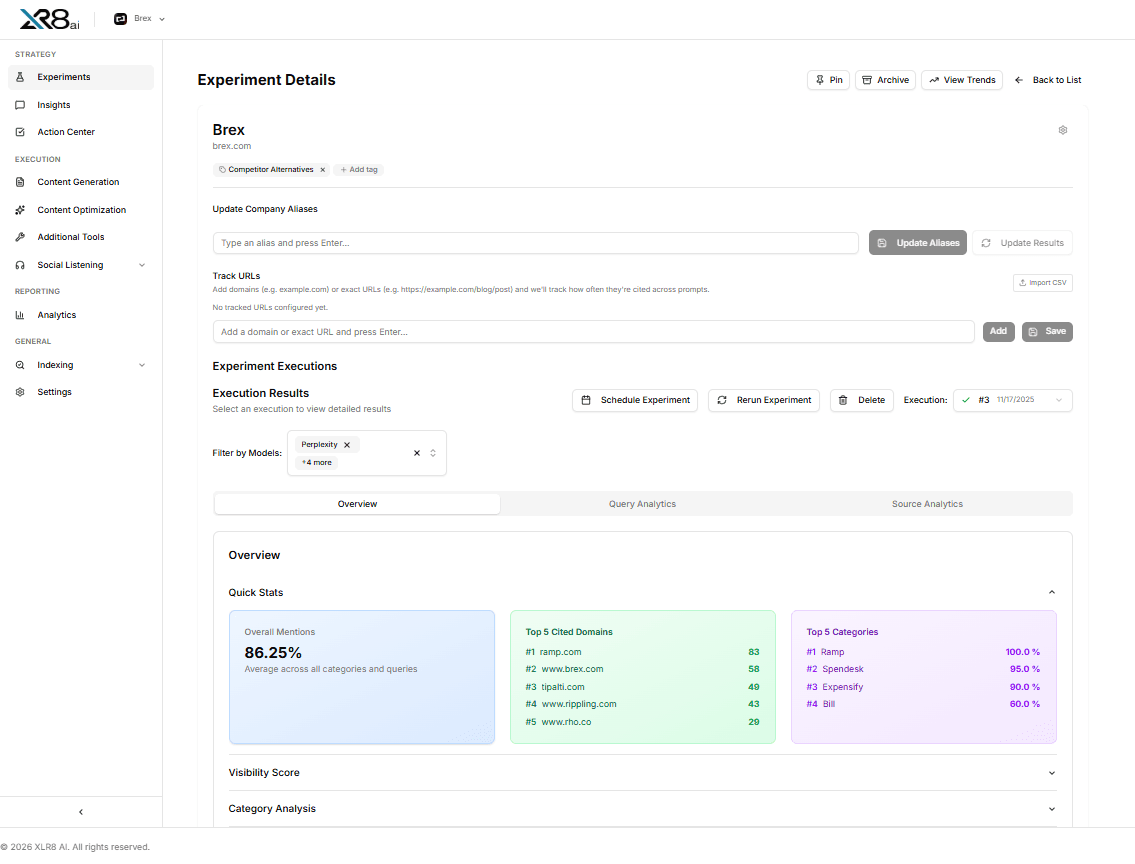
Filter the queue by status and date range. Each row shows the URL, its matched property and per-engine progress from Queued and Submitted to Last discovered, Indexed or Failed, with status refreshed every hour.
Content staleness monitoring
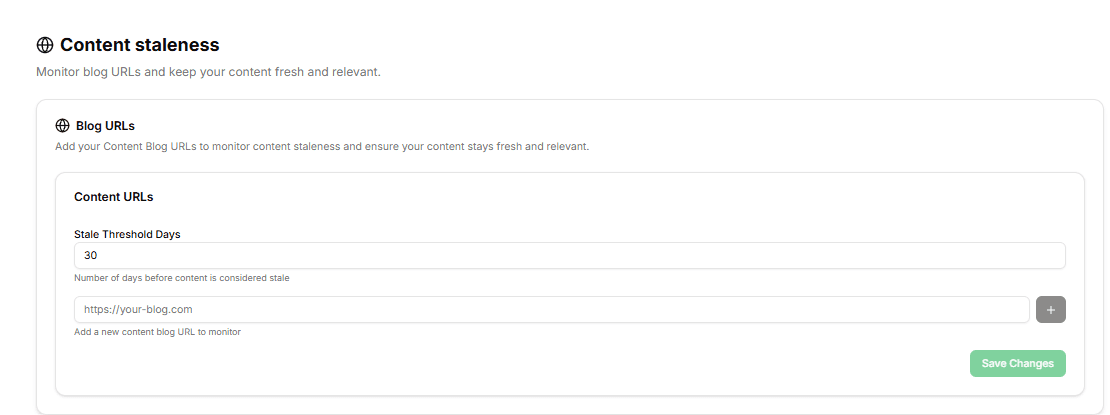
Add your blog URLs and XLR8 AI flags the pages that may need a refresh. Update stale content with Content Optimization, then send it back to the indexing queue so engines pick up the new version.
From published page to indexed URL
01
Connect your engines
Open General → Indexing or Settings → Integrations and connect Google Search Console and Bing Webmaster with the account that owns your properties.
02
Choose engines
Toggle Google, Bing or both for each batch. Engines that are not connected stay disabled until you connect them.
03
Add your URLs
Paste full https:// URLs or upload a CSV based on the sample file. Each URL is matched to its property automatically.
04
Submit to the queue
XLR8 AI works through the queue in the background and refreshes indexing status every hour.
05
Track and act
Filter by status, resolve quota or Verify errors, and use Visibility Experiments to see whether indexed pages start earning AI citations.
Eight signals on every indexing request
URL
The full https:// page address you submitted.
Matched property
The Search Console or Bing Webmaster property XLR8 AI matched to the URL.
Google progress
Where the URL stands with Google Search Console.
Bing progress
Where the URL stands with Bing Webmaster.
Queue status
Queued, Submitted, Last discovered, Indexed or Failed.
Connection state
Connected with a site count, Not connected or Reconnect required.
Quota errors
A clear flag when an engine’s daily submission quota is reached.
Verify errors
Why Google Search Console could not verify ownership or inspect a URL.

Vicky Liu
Founding Marketer, Juicebox
What is XLR8 AI Indexing?
XLR8 AI Indexing submits your URLs to Google Search Console and Bing Webmaster from inside XLR8 AI. It is part of the proprietary AI software inside XLR8 AI, a generative engine optimization (GEO) solution that combines dedicated GEO strategists, proprietary AI software and hands-on execution. GEO means improving how often and how accurately AI answer engines name and cite a brand. Indexing gives your team one queue to send new and updated pages to both search engines and one place to see what happened to each URL.
Why does indexing matter for AI search visibility?
AI answer engines that search the web can only cite pages that can be found. A page that has not been crawled or indexed cannot show up as a source, however well it answers the question. Submitting new and refreshed pages to Google and Bing as soon as they go live shortens the gap between publishing and discovery, and Visibility Experiments then show whether those pages start appearing as citations in AI answers.
How do I connect Google Search Console and Bing Webmaster?
Open General → Indexing in the XLR8 AI sidebar, or Configure Indexing from Settings → Integrations. Click Connect for Google Search Console, Bing Webmaster or both, complete OAuth with the account that owns your properties, and confirm the connected badge shows your site count. If a token expires, the engine shows Reconnect required. Disconnecting an engine clears its queued URLs but keeps completed history.
What do the queue statuses mean?
Every URL moves through clear statuses for each engine: Queued while it waits, Submitted once it has been sent, Last discovered when the engine reports discovering it, Indexed when it is in the index, and Failed when something went wrong. Status refreshes every hour. If an engine’s daily quota is reached, XLR8 AI shows the error, and if Google Search Console cannot verify ownership or inspect a URL, a Verify error explains why.
How does content staleness monitoring work?
Under General → Indexing → Content staleness, add the blog URLs you want to watch. XLR8 AI flags content that may need a refresh, so your team can update it with Content Optimization and resubmit it for indexing. Keeping important pages current gives AI answers accurate, up-to-date information to draw on.
What results have teams seen with XLR8 AI?
Juicebox used XLR8 AI to track where it shows up in AI search, identify gaps and fix them with LLM-optimized content. Within two months, Juicebox saw real gains in AI search visibility and traffic and generated more than 4,500 new sign-ups during the engagement. Results depend on your category, your starting visibility and how quickly changes go live, which is why XLR8 AI measures progress across repeated runs.