XLR8 AI Prompt Research
Find the prompts your buyers ask AI search
Four ways to find the prompts that matter
Domain analysis
Enter your company name and website. XLR8 AI analyzes the site, writes a domain description, suggests categories and infers brand aliases and tracked competitors. Add internal documents, extra context or a CSV of your own queries to steer research toward your ideal customer.

Explainable prompt generation
Every generated prompt carries a source badge such as Domain, Document, Keyword or Sales call. Open the badge to see why the prompt was generated, so your team can trust the set and explain it to leadership.
Coverage for every buying stage
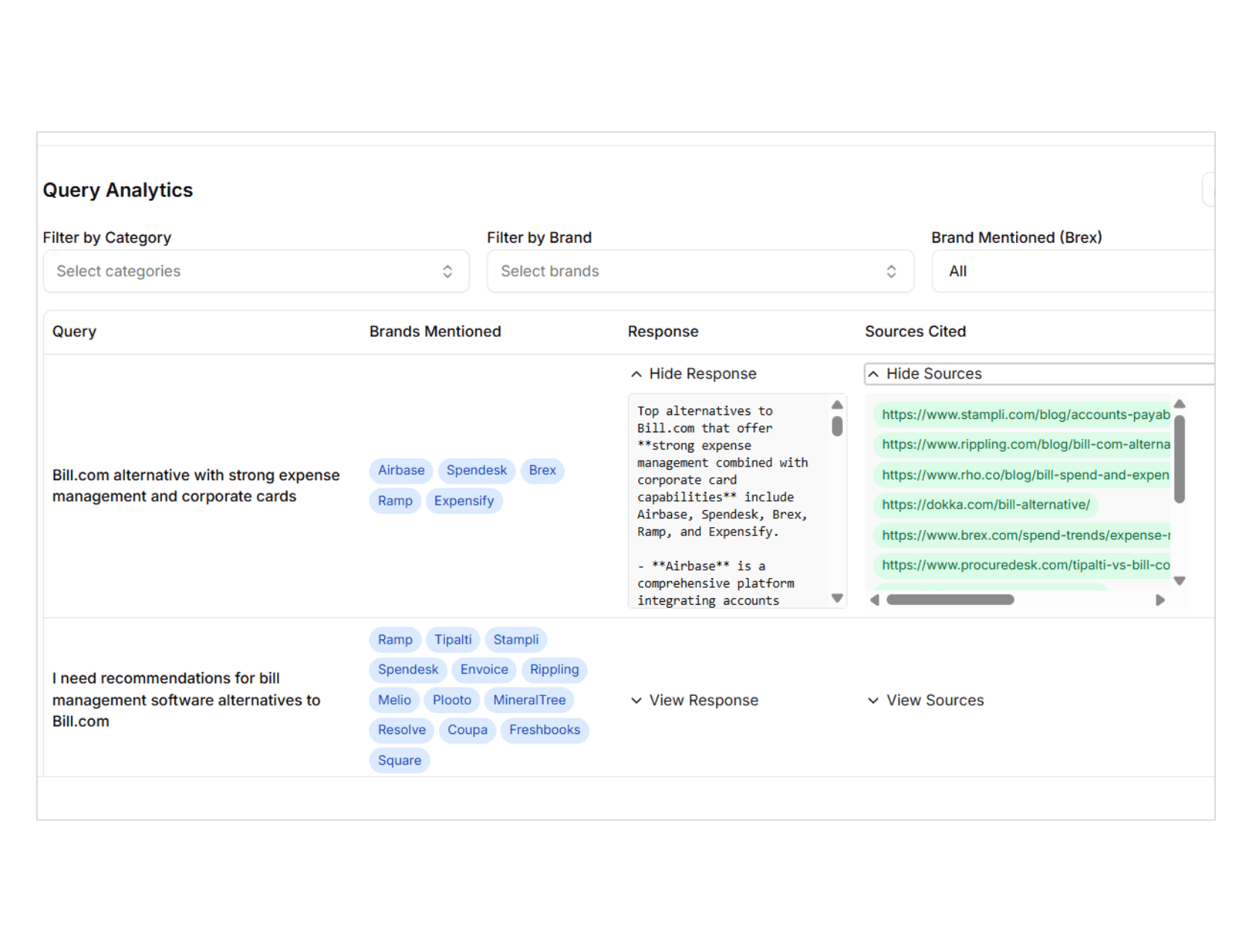
Research prompts for discovery, informational and competitor alternative questions, or for competitor comparison and brand sentiment. Each type matches how buyers move from learning about a category to choosing a vendor.

Reusable query sets
Save categories, prompts, aliases, competitors and Keyword Planner targeting as one query set. Reuse the company briefing for new sets, export to CSV, and select a set when you launch an experiment.
From your website to a ready-to-run prompt set
01
Analyze your domain
Add your company name and website, plus optional context, internal documents or a CSV of existing queries. XLR8 AI reads your site and proposes categories, aliases and tracked competitors.
02
Approve your categories
Review at least five categories, rename or add your own, and confirm aliases and competitors so every prompt is measured against the right brands.
03
Add search demand
Pull Google Keyword Planner ideas or add exact keywords to see monthly search volume and competition for the language and locations you sell in.
04
Generate and refine prompts
Generate 1 to 20 prompts per category. Edit, remove or add prompts, and keep your changes when you regenerate around them.
05
Save and run
Save the query set, review it with your team in comments, then select it when you launch a visibility or sentiment experiment.
Eight signals behind every prompt
Domain
Prompts drawn from what your website says you sell and who you serve.
Document
Prompts grounded in the PDFs, decks and files you upload.
Sales call
Prompts based on themes from analyzed calls in Prospect Intelligence.
Context
Prompts shaped by your notes on ICP, goals, competitors and phrasing.
Keyword
Prompts tied to Keyword Planner terms with real search volume.
Model
Prompts suggested by the model to fill gaps in a category.
CSV import
Prompts you already track, brought in with categories and citations.
Manual
Prompts your team writes or edits by hand, kept on every regenerate.

Vicky Liu
Founding Marketer, Juicebox
What is XLR8 AI Prompt Research?
XLR8 AI Prompt Research is where teams decide which questions to measure in AI search. XLR8 AI is a generative engine optimization (GEO) solution that combines dedicated GEO strategists, proprietary AI software and hands-on execution to improve how AI search names and cites your brand. Prompt Research turns your website, documents and sales context into categories and prompts, saved as a query set. That set becomes the foundation for every visibility and sentiment experiment you run across ChatGPT, Perplexity, Gemini, Claude and Google AI Mode.
How does XLR8 AI decide which prompts to track?
XLR8 AI starts by analyzing your domain to suggest categories, aliases and tracked competitors, which you review and approve. It then generates prompts for each category using your briefing, uploaded documents, Keyword Planner selections and themes from analyzed sales calls. Each prompt shows a source badge and a short rationale explaining why it was generated. Your team stays in control: you can edit, remove or add prompts, and choose between 1 and 20 prompts per category.
Can I bring my own prompts and research?
Yes. XLR8 AI Prompt Research accepts a CSV of categories and queries up to 5MB, with an optional citations column. Rows without citations are tagged from your briefing and enriched with your documents, Keyword Planner data and sales call themes. You can also upload internal documents such as PDFs, Office files, text and images, and add notes on your ideal customer, goals and phrasing so generated prompts sound like the questions your buyers actually ask.
How does search volume fit into prompt research?
XLR8 AI connects Prompt Research to Google Keyword Planner so prompts reflect real demand. Choose a language and one or more locations, fetch keyword ideas from your categories and seed keywords, or add exact keywords to see monthly search volume and competition. Selected keywords and targeting are saved with the query set, and their metrics refresh when you reopen it. This helps teams prioritize prompts tied to topics people search for in the markets they sell in.
How do query sets connect to experiments?
In XLR8 AI, a saved query set carries the experiment type, company details, aliases, tracked competitors, categories and prompts. When you create a new experiment, you select the set instead of entering everything again, then choose the models to run. If you later edit the prompts, changes apply to the next run while earlier results stay intact. XLR8 AI strategists can review the set with your team during weekly growth reviews before results are measured across repeated runs.