Baseline options for the Analytics Overview: First, Last, or Previous vs. Latest
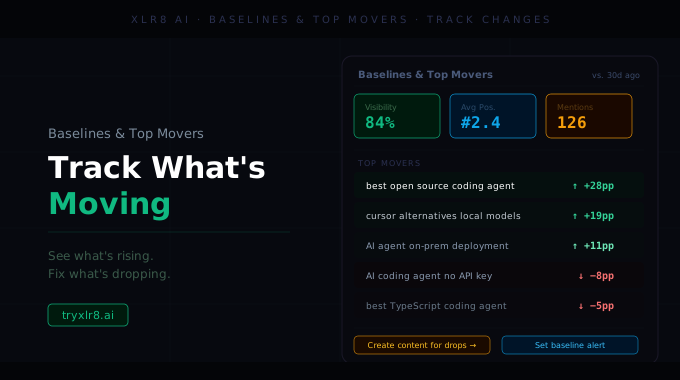
We've added baseline options to the Overview tab on the Analytics page. The Latest execution is always one side of the comparison; the new dropdown lets you pick what the other side is.
Three baselines, one click
The new BASELINE chip at the top of the Overview tab opens a dropdown with three options:
First — compare Latest against the very first execution on file. Useful for measuring total movement since you started tracking.
Last — compare against the most recent execution before Latest. The default week-over-week (or run-over-run) read.
Previous — compare against the execution before Last. Useful when the most recent run was a launch week and you want to compare against "normal."
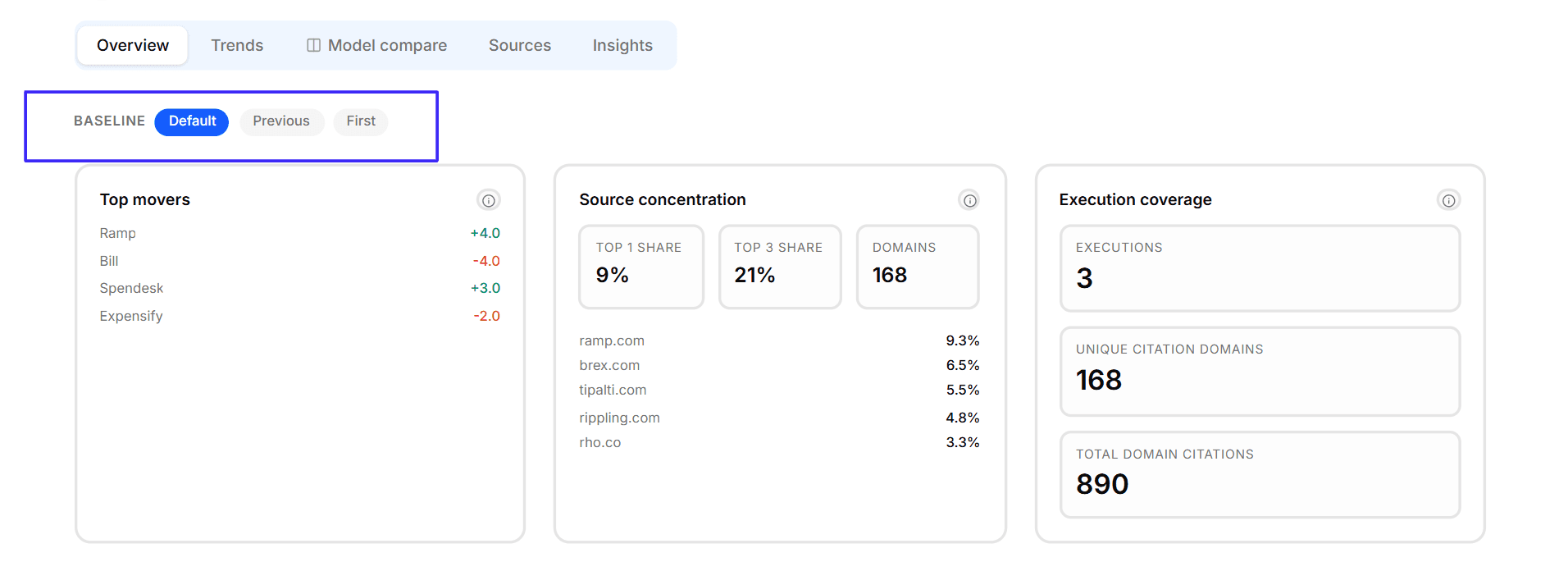
Every delta, trend, and movement number on the Overview tab recomputes against your selection. Switch baselines and the numbers update without leaving the page.
Available today
The Baseline dropdown is on the Overview tab of the Analytics page. Pair with the Sanitize Execution toggle to make sure the executions you're comparing are clean — and not skewed by a model that failed in one of the runs.
