Introducing Content Alignment: score any page against any buyer query in seconds
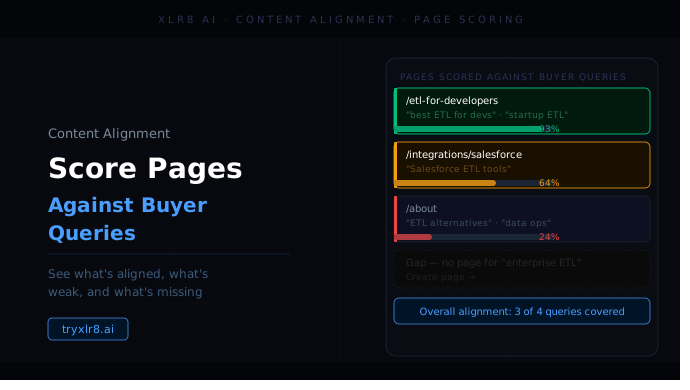
Content Alignment answers a single question, fast: how well does this piece of content actually match the query a buyer is asking? Drop in a query, drop in the content, hit Analyze Content, and you have a clear read in seconds — before you spend any time optimizing.
Three inputs, one click
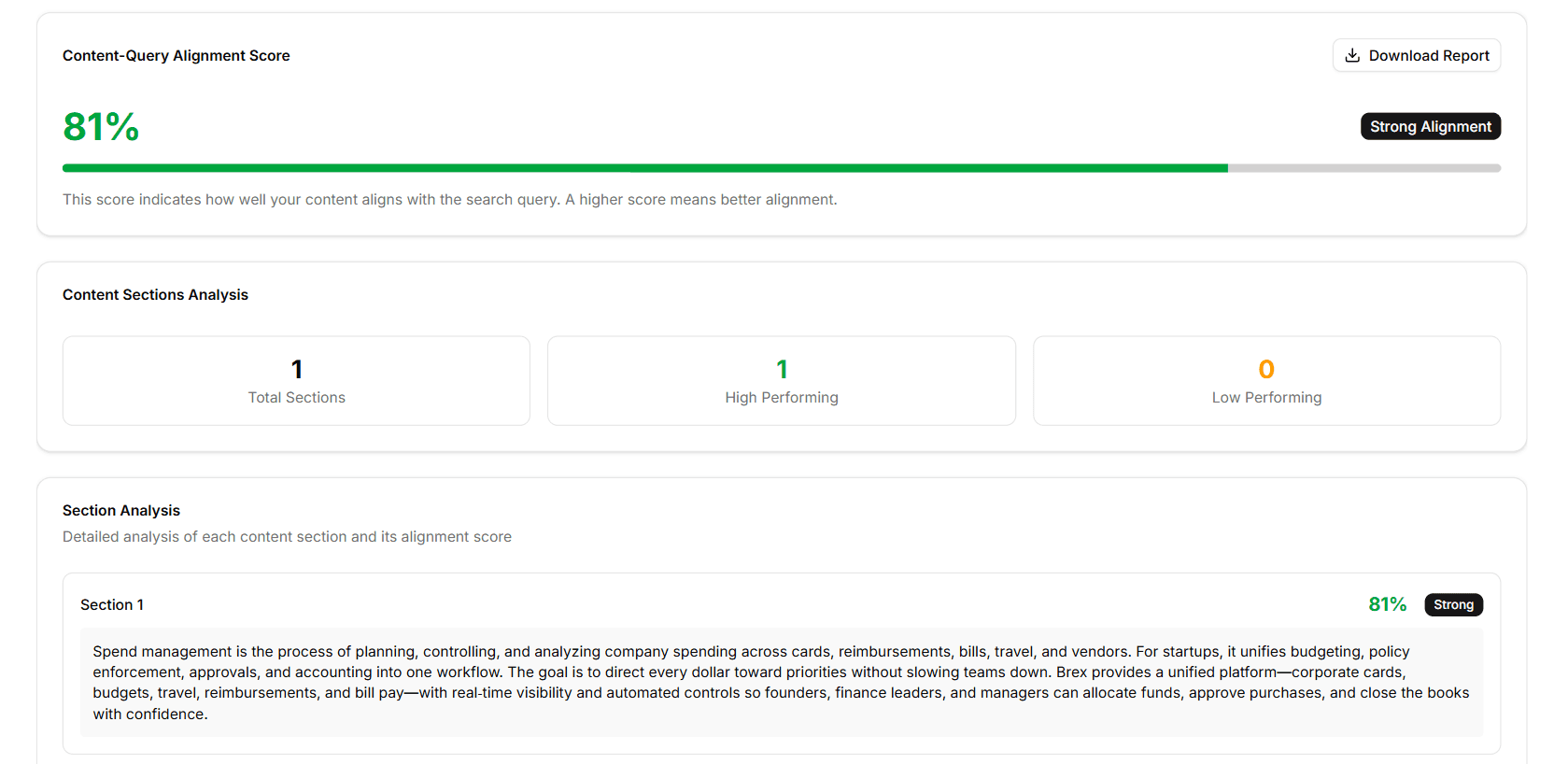
The form is intentionally tight:
Search Query — the buyer question you want this content to rank for, in natural language (the kind your buyers actually ask in LLMs, not a stripped-down keyword)
Company / Brand Name — anchors the analysis to your brand
Content Source — a dropdown with two options: Direct Content (paste the text in) or URL (let XLR8 fetch and parse the live page)
Content — the paste area, used when Direct Content is selected; collapses when you switch to URL
Hit Analyze Content and the alignment read comes back grouped by the strength bands you can act on directly — strong, moderate, or weak — along with the specific sections of the content that pull the score up or down.
What you get back
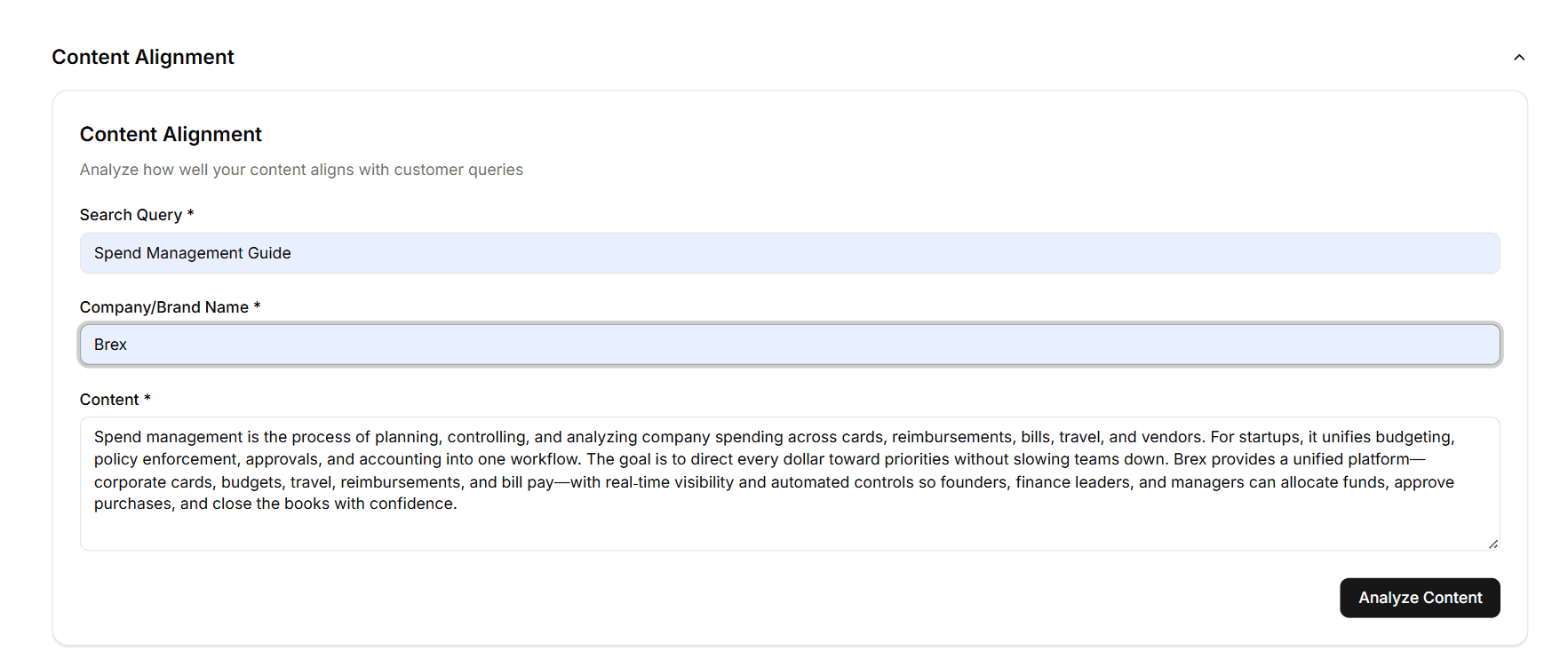
A headline alignment score — a single percentage at the top of the result with a strength badge: Strong Alignment, Moderate, or Weak. One look tells you whether this content is doing the job for this query.
A Content Sections Analysis triptych — three counters underneath the headline showing how many total sections the content has, how many are high-performing against the query, and how many are low-performing. This is the "where to focus" view: if 7 out of 12 sections are low-performing, the page needs structural work, not just a polish.
A per-section breakdown — every section of your content shown in full, each with its own alignment percentage and Strong / Weak label. You can see at a glance which specific paragraphs lift the score and which drag it down — so the rewrite work is targeted, not generic.
Direct Content or URL — your choice
The two source modes cover the two real workflows:
Direct Content is for drafts, gated assets, internal playbooks, or any text that isn't live yet. Paste, analyze, iterate — useful when you want the content to be aligned the day it ships, not the day after.
URL is for anything already live. XLR8 fetches the page, strips navigation and boilerplate, and analyzes only the body content — the same text a buyer (or an LLM) would actually read.
Why it matters
Optimization without measurement is guesswork. Content Alignment is the diagnostic step that tells you whether a piece of content needs to be rewritten in the first place — and if it does, which part. Pair the analysis with Content Optimization to actually close the gap, or with Cosine Similarity if you want to understand the math under the score.
Available today
Find it in the sidebar under Content Optimization → Content Alignment. A single run takes a few seconds. Pull queries directly from your Experiments so the alignment check is grounded in what buyers are actually asking your category.
