Introducing Content Optimization: rewrite any page for the queries that actually move pipeline
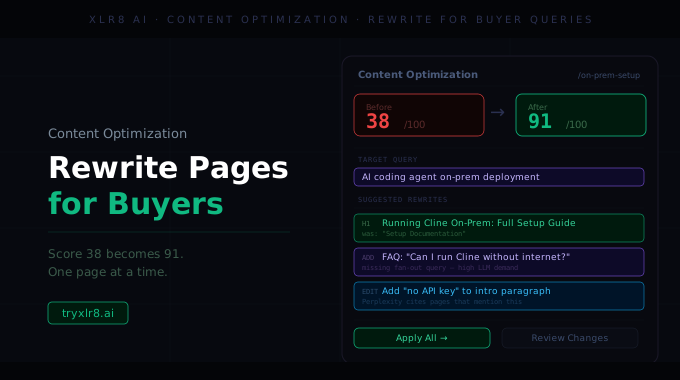
Content Optimization is XLR8's surface for taking an existing page or draft and rewriting it so it actually ranks for the buyer queries that matter. One form, one click, one optimized version.
The full form on one screen
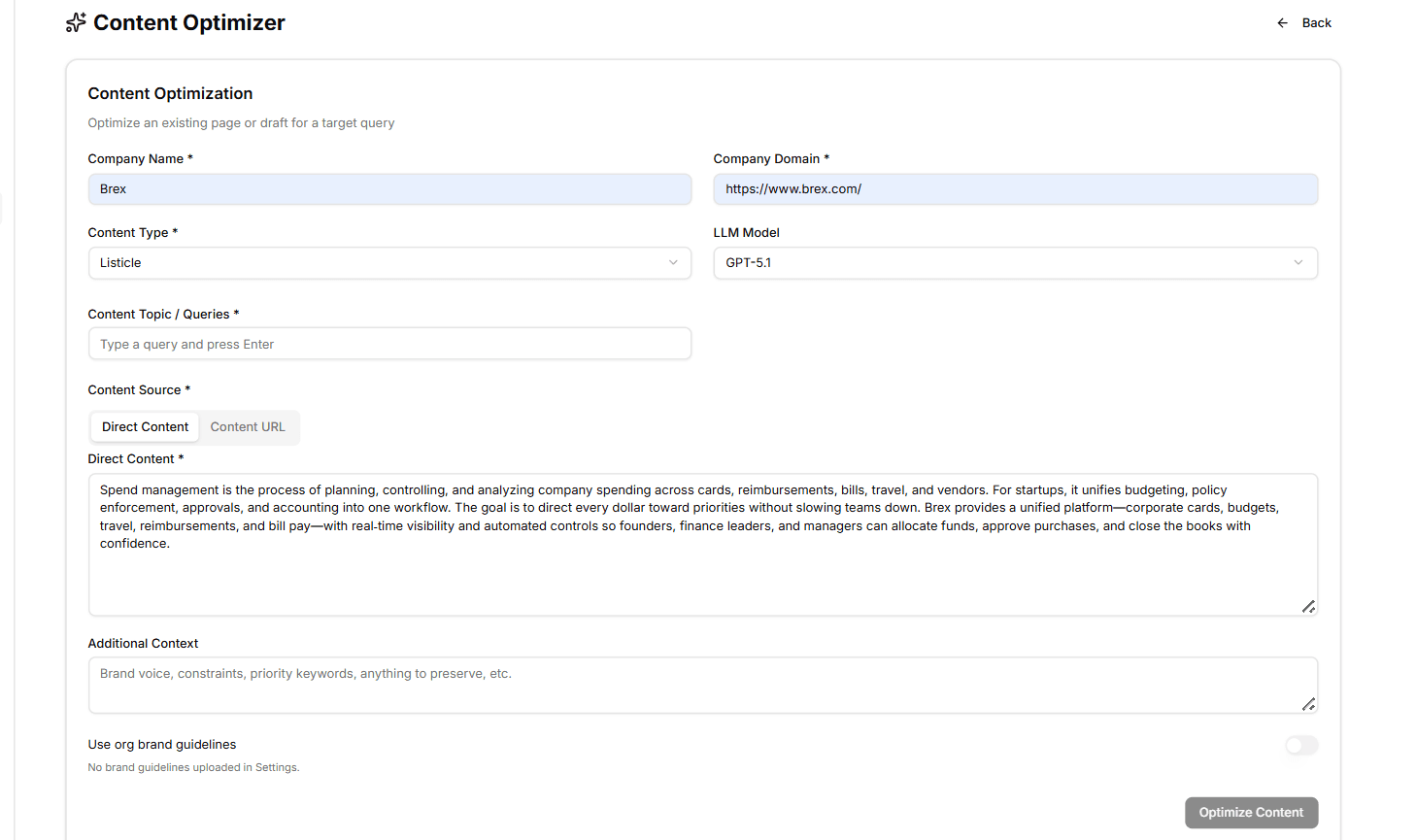
The form sits on a single screen, organized so you fill it top-to-bottom:
Company Name and Company Domain — auto-fill from your Company Profile so you don't retype them
Content Type — pick the structural blueprint (Listicle, Article, Competitor Comparison, Guide, Ecommerce Guide, Technical Guide, Web Page)
LLM Model — pick the model that should write the rewrite (GPT-5.1, Claude Opus, Gemini, Grok, and a handful more)
Content Topic / Queries — a chip input where you type each target buyer query and hit Enter; add as many as the rewrite should optimize for
Content Source — a tab toggle: Direct Content (paste the text) or Content URL (XLR8 fetches and parses the live page)
Direct Content — the paste area used when Direct Content is selected; collapses when you switch to URL
Additional Context — freeform notes the rewrite should respect: brand voice, constraints, priority keywords, anything to preserve. Optional but useful.
Use org brand guidelines — a toggle that pulls in the Brand Guidelines you saved in Settings. Disabled with a helpful note if you haven't uploaded any yet.
Hit Optimize Content and the rewrite runs.
What you get back
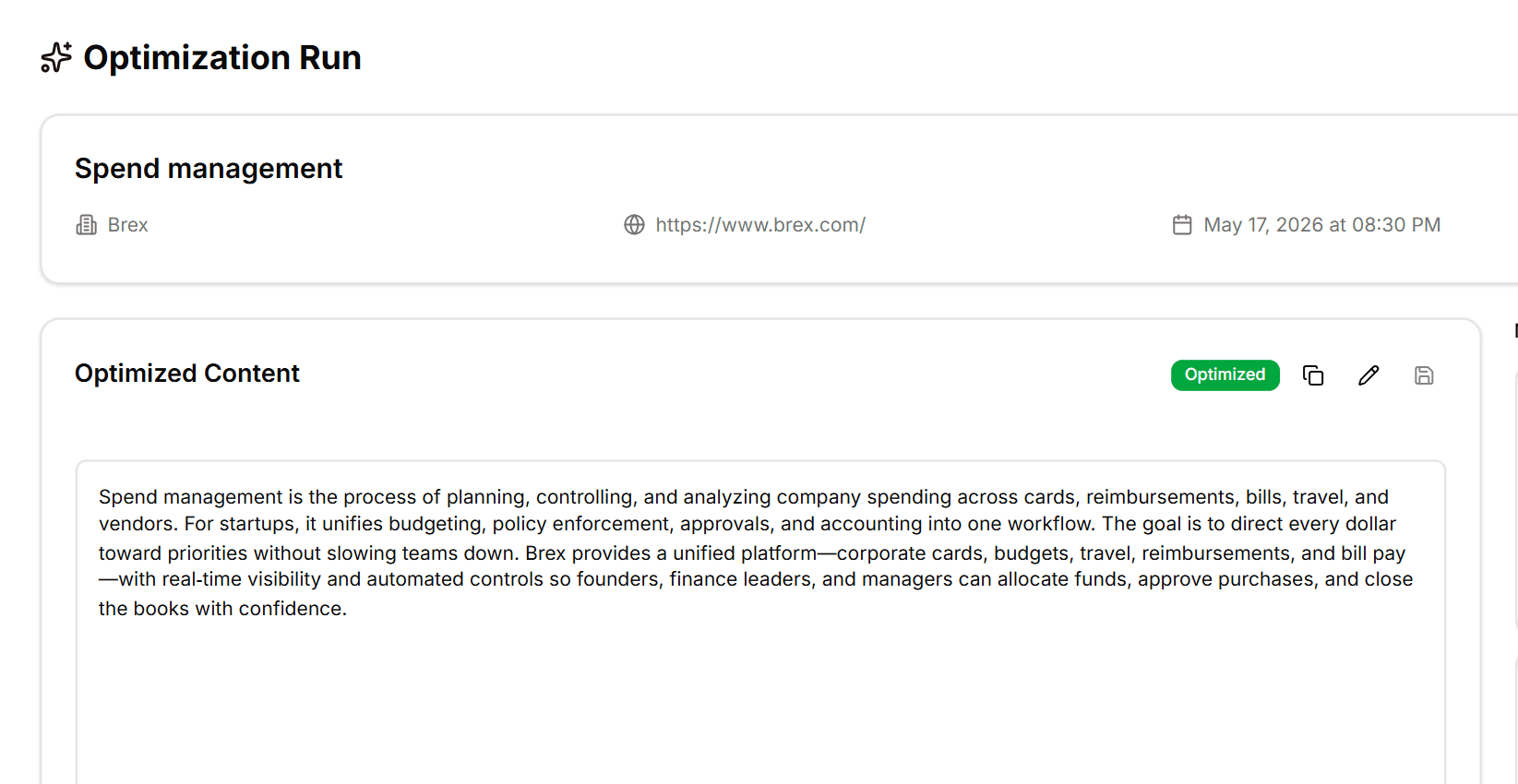
Every optimization run produces a structured artifact:
The original content preserved as the baseline
The optimized content — a full rewrite tuned to your target queries while keeping your voice
You can copy the optimized version straight into your CMS.
Why it matters
Most "AI content tools" generate net-new content. Most of the work, for most teams, is rewriting what they already have. Content Optimization is built around that reality — your existing library is the input, the optimized version is the output, and the buyer queries you actually care about are the targeting signal.
Pair with Content Alignment (which tells you whether a page needs optimizing in the first place) and the Cosine Similarity Maximiser (which uses cosine similarity as the explicit objective function for shorter rewrites).
Available today
Find it under Content Optimization in your sidebar. Pull target queries directly from your Experiments so the rewrite is grounded in what buyers are actually asking your category — not what your team thinks they're asking.
