Introducing Content Staleness Monitoring: register your blog URLs, get alerted when they age out
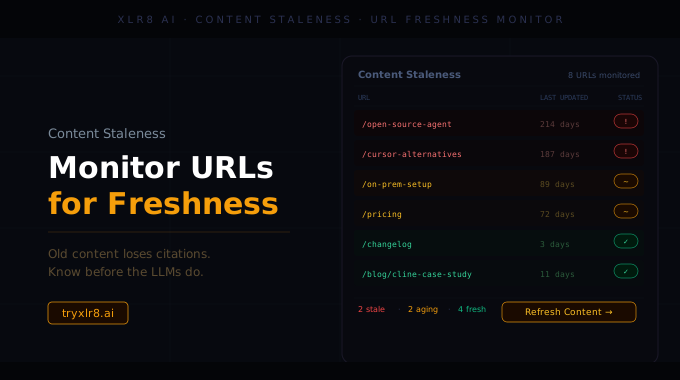
LLMs lean hardest on content that looks current. Two-year-old pages quietly drop out of the citation set, and nobody notices until visibility scores slide. Content Staleness Monitoring is XLR8's solution: register the URLs that matter, set a freshness window, and the platform tells you when each page crosses it.
Two inputs, set once
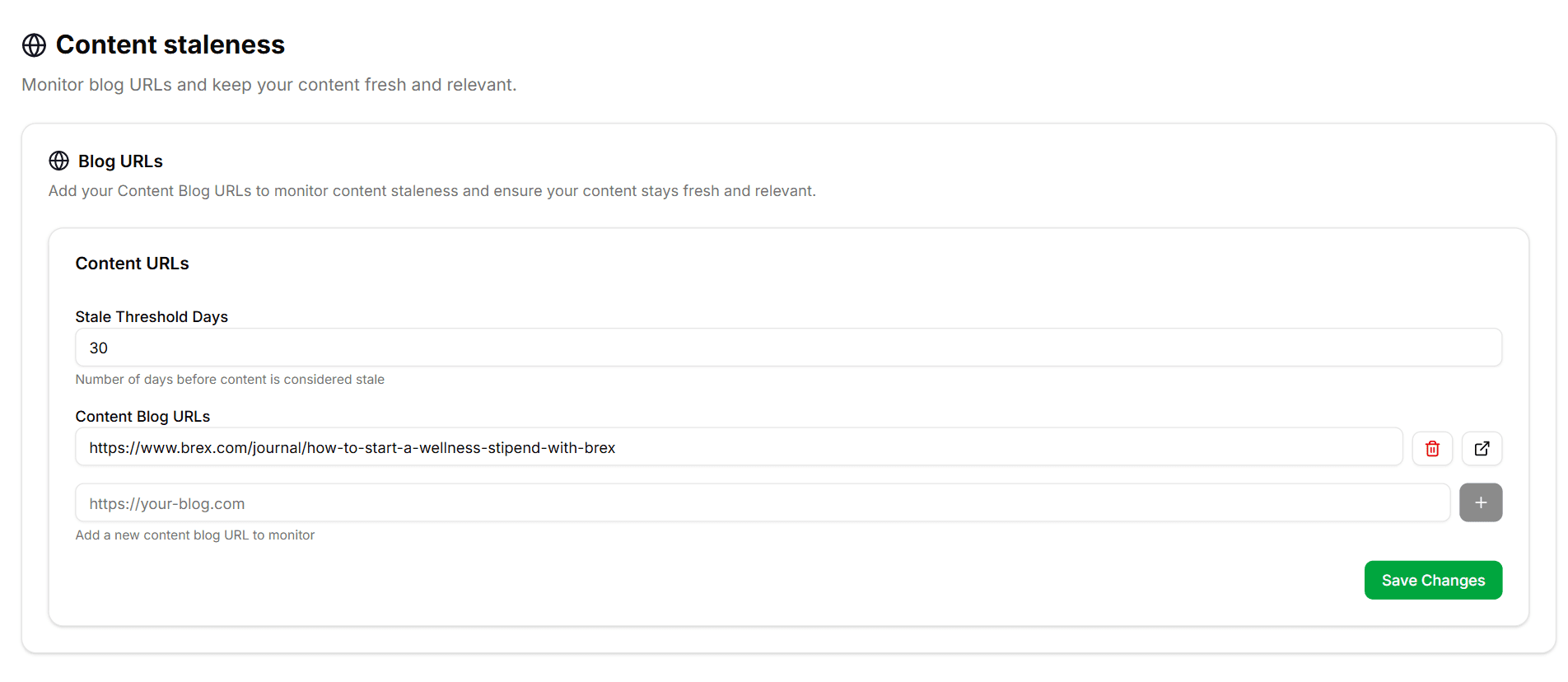
The setup is intentionally tight:
Stale Threshold Days — the number of days a page can go without being refreshed before it's flagged as stale. 30 by default; tune higher for evergreen guides, lower for fast-moving topics.
Content URLs — type or paste a blog URL, hit the + button to add, repeat. Every URL is tracked individually against the threshold.
Hit Save Changes and you're done. The platform polls each URL's last-modified signal and surfaces alerts as pages cross the threshold.
Why it matters
Most teams have 50–500 important pages and remember to refresh maybe 5 of them per quarter. The rest age out silently. In an LLM-first discovery world, that's a slow leak in visibility — and nobody owns watching for it. The staleness monitor takes that off your team's plate.
Closes the loop with optimization
A stale URL isn't just an alert — it's an input. Each flagged URL can be pushed straight into the Content Optimization pipeline as a refresh job, with the buyer queries you actually want it to rank for. The loop is: monitor → flag → optimize → publish → reset the staleness clock.
Available today
Find it in your sidebar under Content Optimization → Content Staleness. Start with 5–10 of your highest-traffic pages and tune the threshold from there.
