You can now feed sales call transcripts into Experiment setup
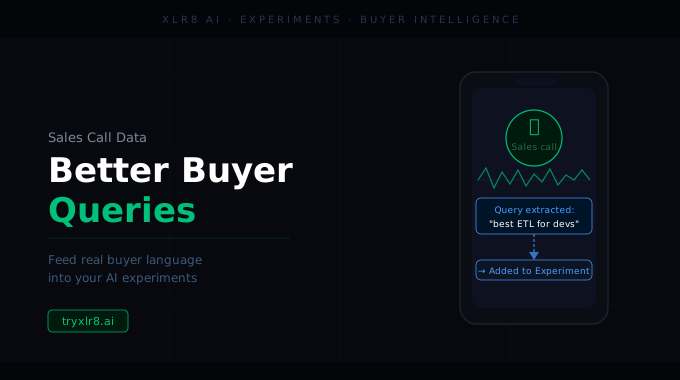
We've added the ability to paste a sales call transcript into the Experiment setup wizard. When you do, XLR8 uses the transcript to ground the AI-suggested category map and buyer queries in the actual language your prospects use — instead of the language your marketing team thinks they use.
Why this matters
The single biggest source of error in AI-visibility tracking is asking the wrong questions. Run an Experiment with internal jargon and the results look fine on paper but miss every real buyer query. Run it with the questions your prospects actually ask on calls and you get a measurement that tracks pipeline.
How it works
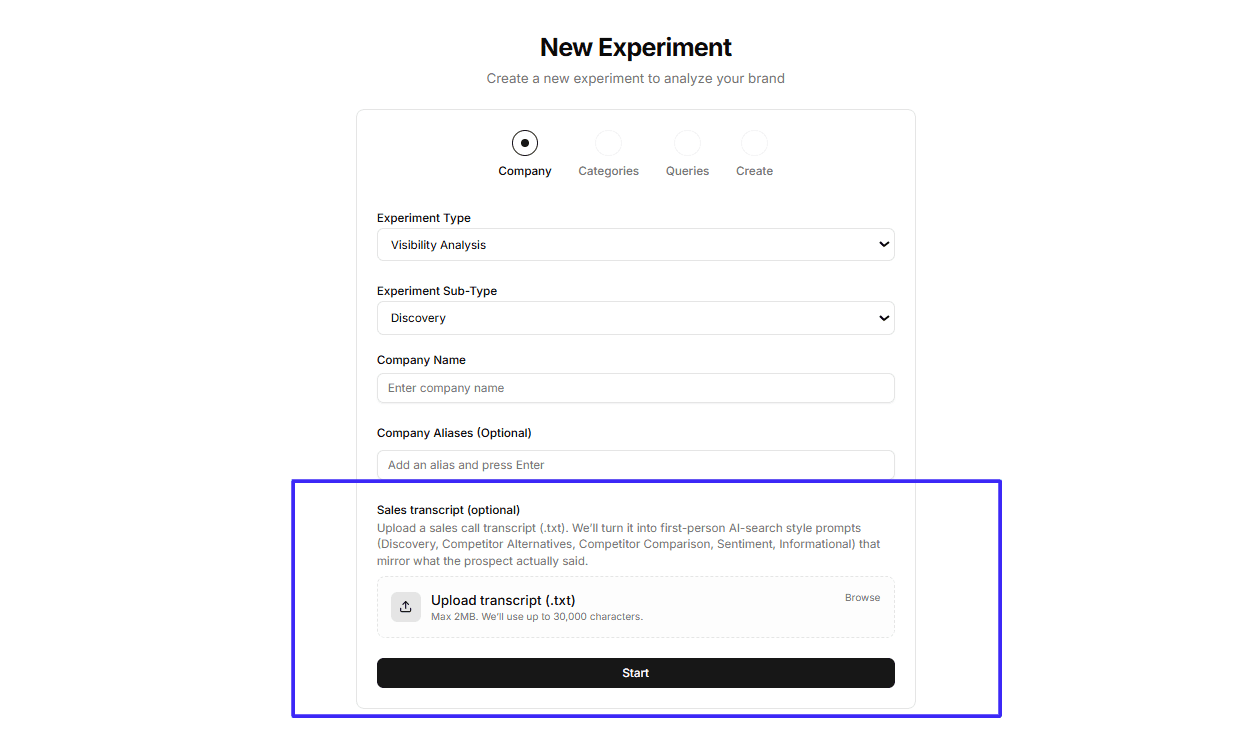
In step 1 of the Experiment wizard, drop your sales call transcript into the new transcript field. XLR8 analyzes it alongside your company domain and produces:
A category map built around the buyer segments and pain points that came up on the call
A set of suggested queries phrased the way your prospects actually phrased them
A description that reflects how your product is positioned in real conversations, not just on your website
You can edit, remove, or add to anything the platform proposes before launching the Experiment.
Available today
The sales transcript field is live in every workspace. Use it on your next Experiment and the difference in query quality is usually obvious within the first run.
