Introducing Indexing: submit sitemaps, inspect URLs, and request re-crawls across Google and Bing
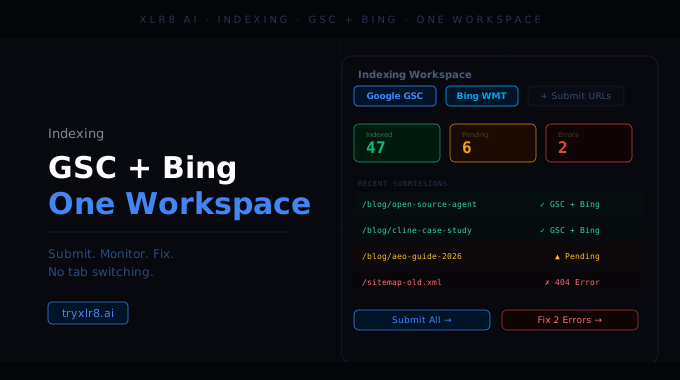
Optimizing content is only half the work — if the search engines don't crawl the change, the optimization doesn't ship. Indexing is XLR8's bridge to the two systems that handle that: Google Search Console and Bing Webmaster Tools.
Connect once, manage everything
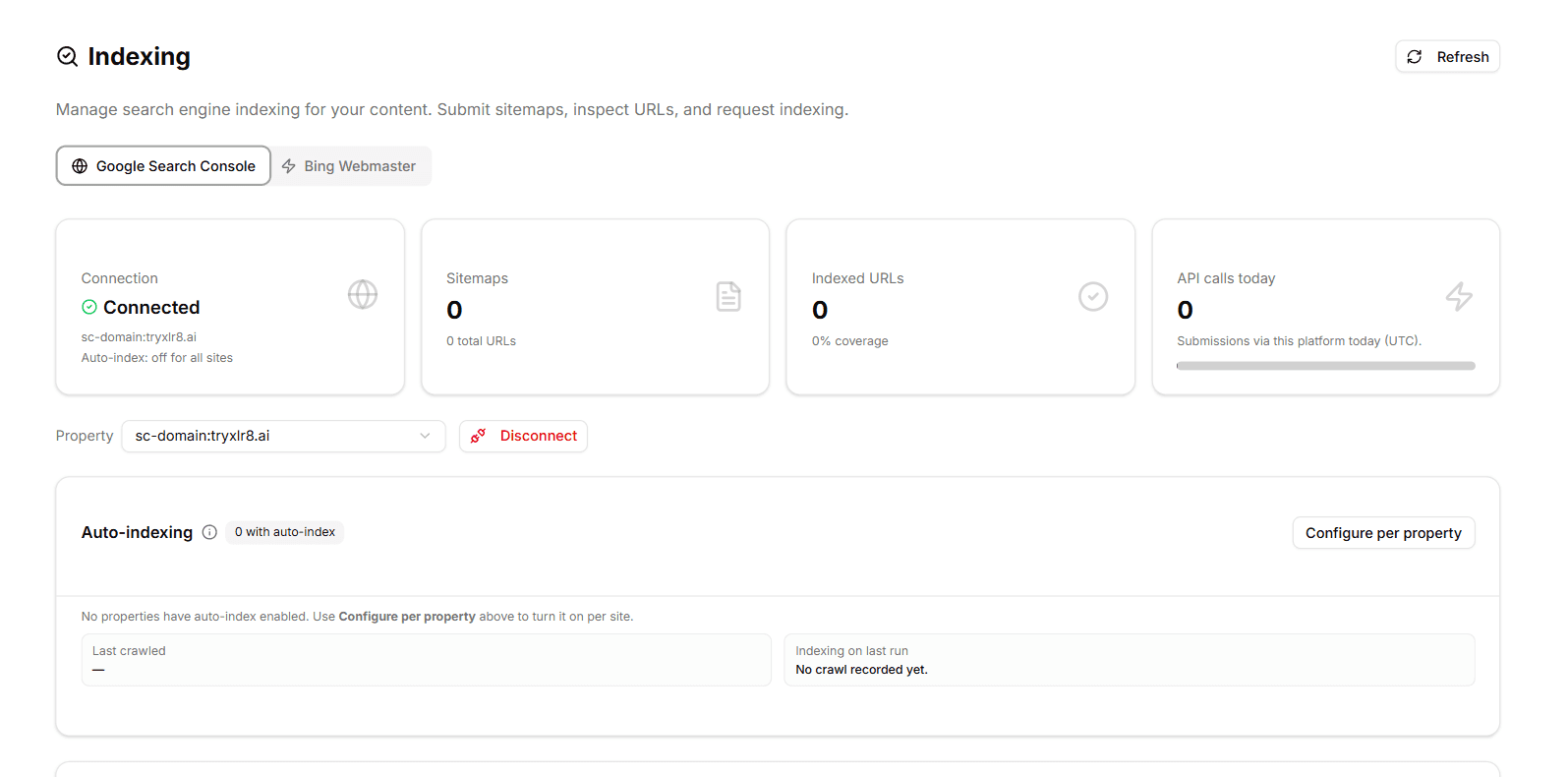
Each engine has its own tab — Google Search Console and Bing Webmaster — at the top of the page. Authenticate either or both through the standard OAuth flow, pick a property, and you're in.
Four KPI cards across the top tell you what's going on at a glance:
Connection — Connected status, the property identifier, and whether auto-index is on for it
Sitemaps — total sitemaps submitted and total URLs across them
Indexed URLs — indexed count and coverage % vs. submitted
API calls today — submissions made through the platform today (UTC)
The property dropdown lets you switch between any properties verified in your engine account, and Disconnect unlinks the integration in one click.
Sitemaps
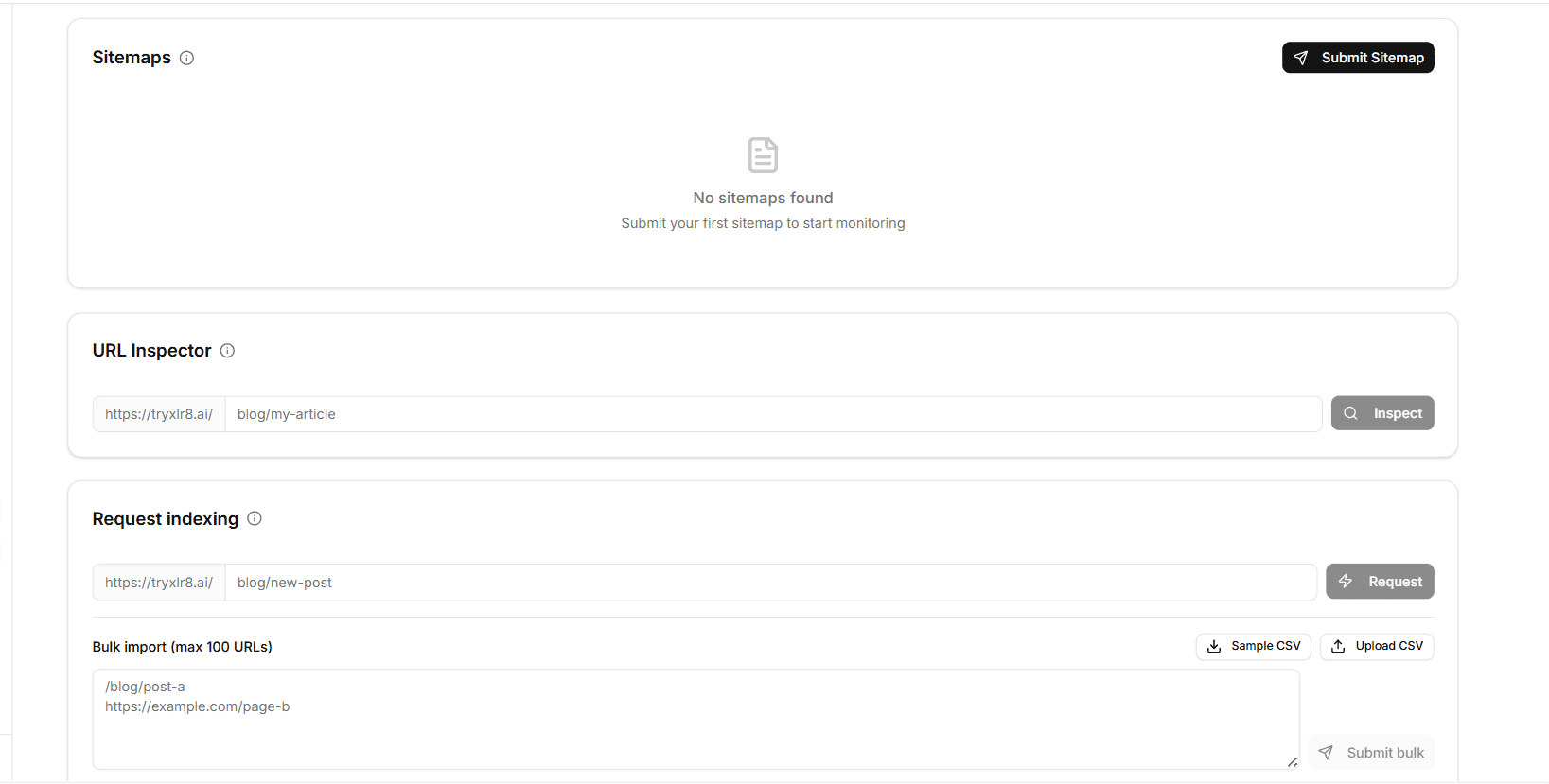
The Sitemaps section shows every sitemap submitted to the selected property, with a row each for sitemap URL, URLs (total in the sitemap), Indexed (count successfully indexed), Status, and Last Submitted timestamp. The Submit Sitemap button adds a new sitemap on demand — useful when you ship a new section of the site and want it crawled immediately rather than waiting for the next scheduled fetch.
URL Inspector
The URL Inspector lets you check the indexing status of any individual URL on your property. Enter the path (the domain prefix is fixed by the selected property) and hit Inspect — you get the current engine status back, including whether the URL is indexed, when it was last crawled, and any issues the engine has flagged. The fastest way to find out why a specific page isn't surfacing in search.
Request Indexing — one URL or up to 100
Two submission modes:
Single URL — paste a path and hit Request. Goes into the engine's queue immediately.
Bulk import — paste up to 100 URLs (one per line) into the bulk textarea, or upload a CSV. The Sample CSV button gives you a template. Hit Submit bulk and every URL is submitted as a separate indexing request, with the daily quota counted automatically.
This is the surface to use after a content refresh sweep — push a batch of recently-optimized pages into the index in a single action instead of clicking through one at a time.
Auto-indexing (optional, per property)
The Auto-indexing section sits between the KPI row and the Sitemaps table. Click Configure per property to turn auto-indexing on for an individual site — the platform then watches your sitemaps for lastmod changes and submits indexing requests automatically for any URL that updates, respecting each engine's daily quota.
The same panel shows two status fields: Last crawled (timestamp of the last auto-index run) and Indexing on last run (a quick summary of what happened). Useful for confirming the automation is doing what you expect.
Why it matters
LLMs lean on Google and Bing rankings as one of their citation signals. Getting refreshed content into both indexes faster is upstream of every future Experiment citation — it's the last mile between Content Optimization and a visible result.
Available today
Find it under Indexing in your sidebar. Both engines connect via OAuth in under a minute. Start with Sitemaps if your property is new, or Request Indexing if you just refreshed a set of pages.
