Custom LLM model selection for Experiments, plus Analytics that keeps up

You can now control exactly which LLMs run your Experiments — and Analytics now reflects those changes cleanly across all your data.
Add or remove models from any Experiment
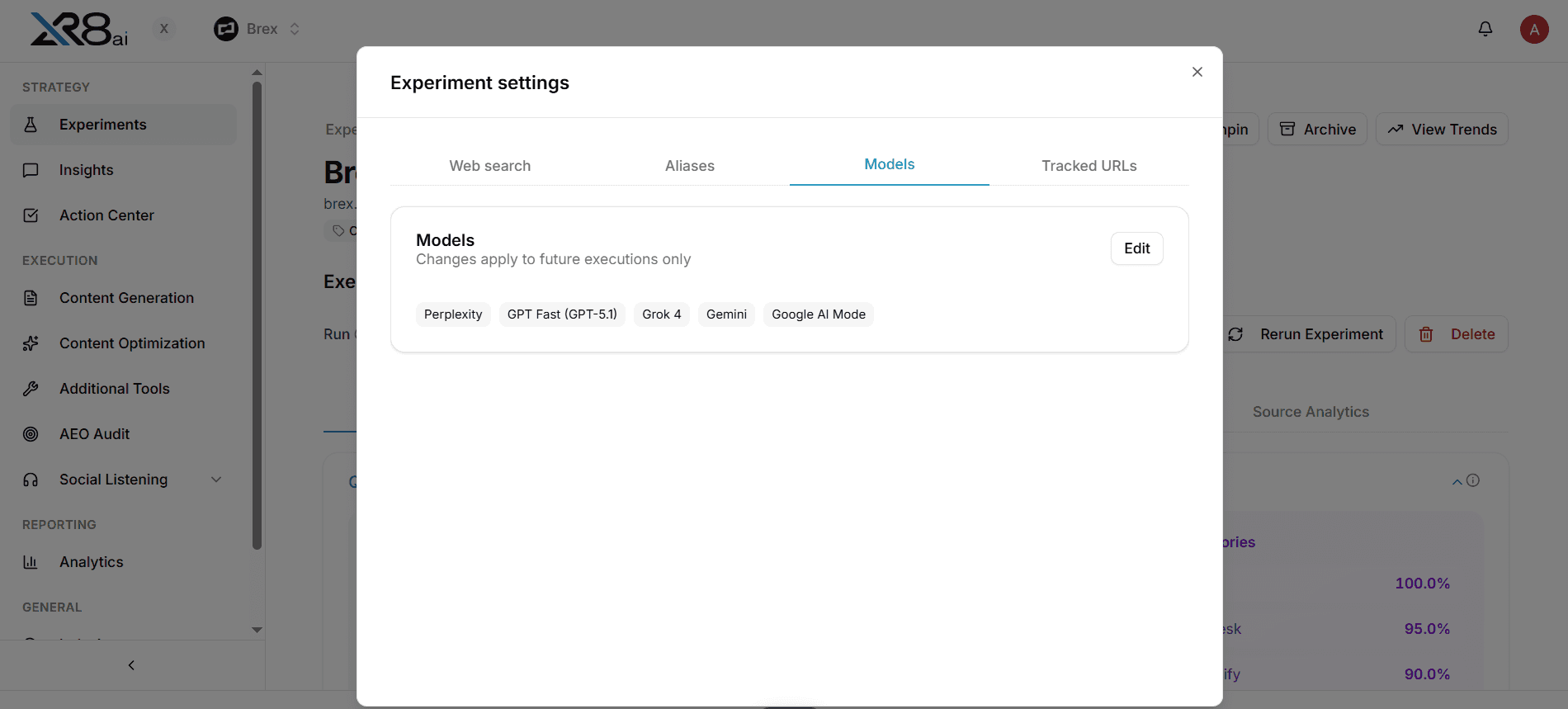
Every Experiment now has a Models tab in Experiment Settings. From there you can add or remove any LLM — GPT, Grok, Claude, Perplexity, Google AI Mode, Gemini — and the change takes effect on the next execution.
One thing to note: changes apply to future executions only. Historical runs are preserved as-is, so your past data doesn't get rewritten when you add or drop a model.
Why this matters
Different LLMs answer the same query differently. A model you weren't tracking six months ago might be the one your ICP is now using. And some experiments don't need to run across every model — trimming the list keeps execution cleaner and results more focused.
Model selection lets you match your tracking to where your audience actually is.
Analytics follows the model list
Adding a model to an Experiment means it shows up in Analytics going forward. Removing one means it stops contributing to new data. The Analytics views update to reflect whichever models are active, so you're never looking at a mix of active and inactive model data without context.
Available today in Experiment Settings → Models tab.
