Introducing the Sentiment Overview: every execution, scored and grouped
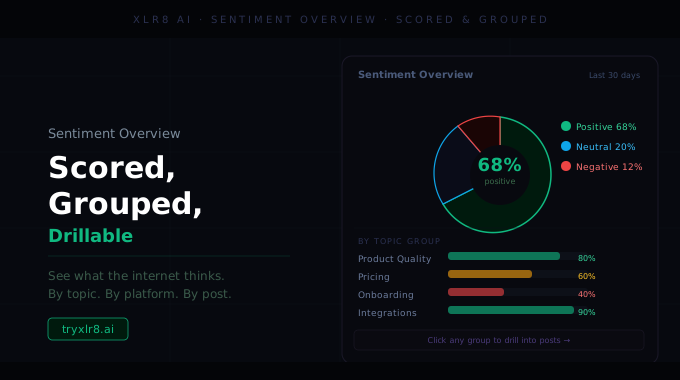
Every Sentiment Experiment execution now opens to a structured Overview built around the questions that matter most after a launch, a review cycle, or a competitor's announcement.
What's on the Overview
Average sentiment score. A single number representing how positively, neutrally, or negatively the LLMs described your brand across the execution. Normalized so it's comparable run-over-run.
Sentiment by category. A ranked list of every category in the experiment, sorted from most positive to most negative. The categories at the bottom of this list are usually where your positioning needs work.
Sentiment by model. The same score broken out per LLM. ChatGPT and Claude often diverge sharply on the same query — this view makes that obvious.
Top positive and negative quotes. The highest- and lowest-scored verbatim quotes from the execution, surfaced directly so you can see the exact language each model used.
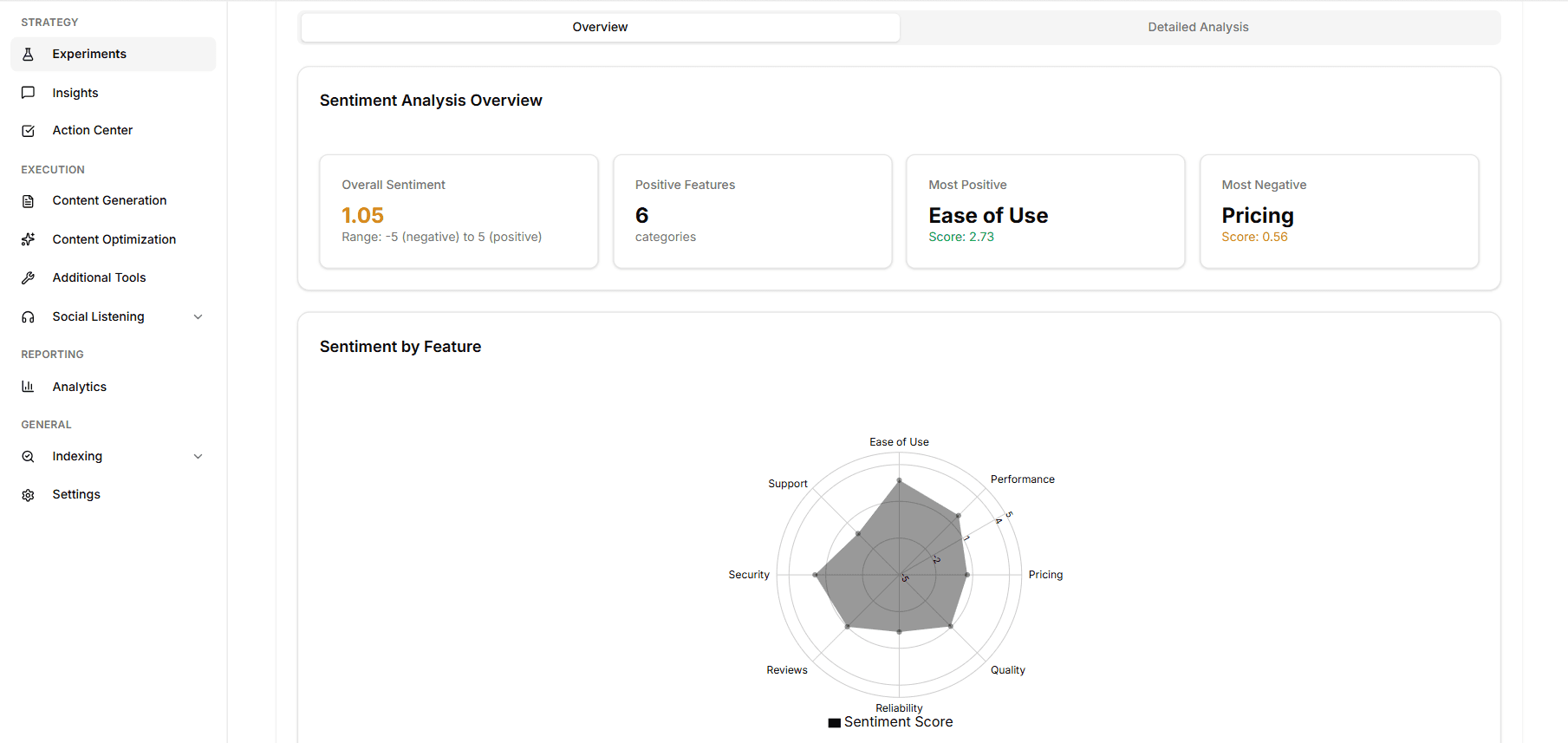
Drill-in is one click
Every number on the Overview is drillable down to the underlying response rows: the exact query, the exact model, the exact answer that produced the score. No more wondering why a number moved.
Available today
Open any Sentiment Experiment, pick an execution, and the new Overview is the default view. Pair with the Pros/Cons Extractor to convert the most-cited cons directly into Action Center items.
