Brand Guidelines: Set your company and brand voice once, used everywhere
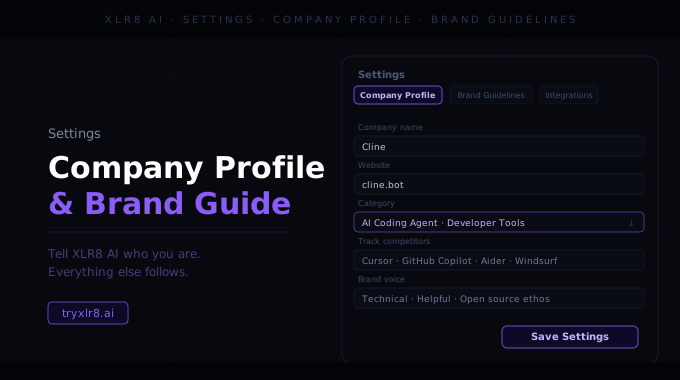
Settings is now the persistent layer for organization-level config in XLR8. Two cards live there today, both designed around the same principle: set the thing once, use it everywhere.
Company Profile
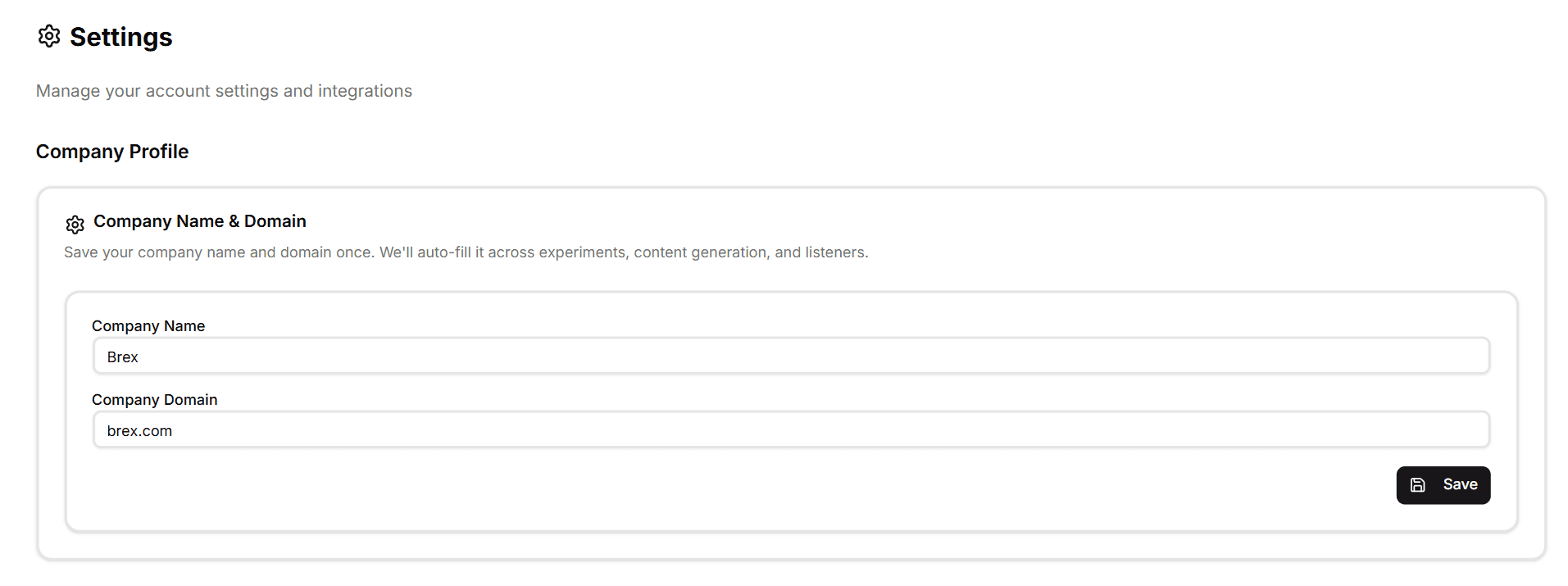
Save your company name and company domain once and XLR8 auto-fills them into every surface that asks for them — new Experiments, Content Generation jobs, X Intelligence runs, Reddit Tracker setups, and Content Alignment / Optimization runs.
You can still override the auto-filled values on any individual run (useful if you're managing multiple brands from one workspace), but the default is now the right one. Typing your company name and domain seven times across seven surfaces is the most consistent source of low-grade friction in any platform like this — Company Profile removes it permanently.
Brand Guidelines
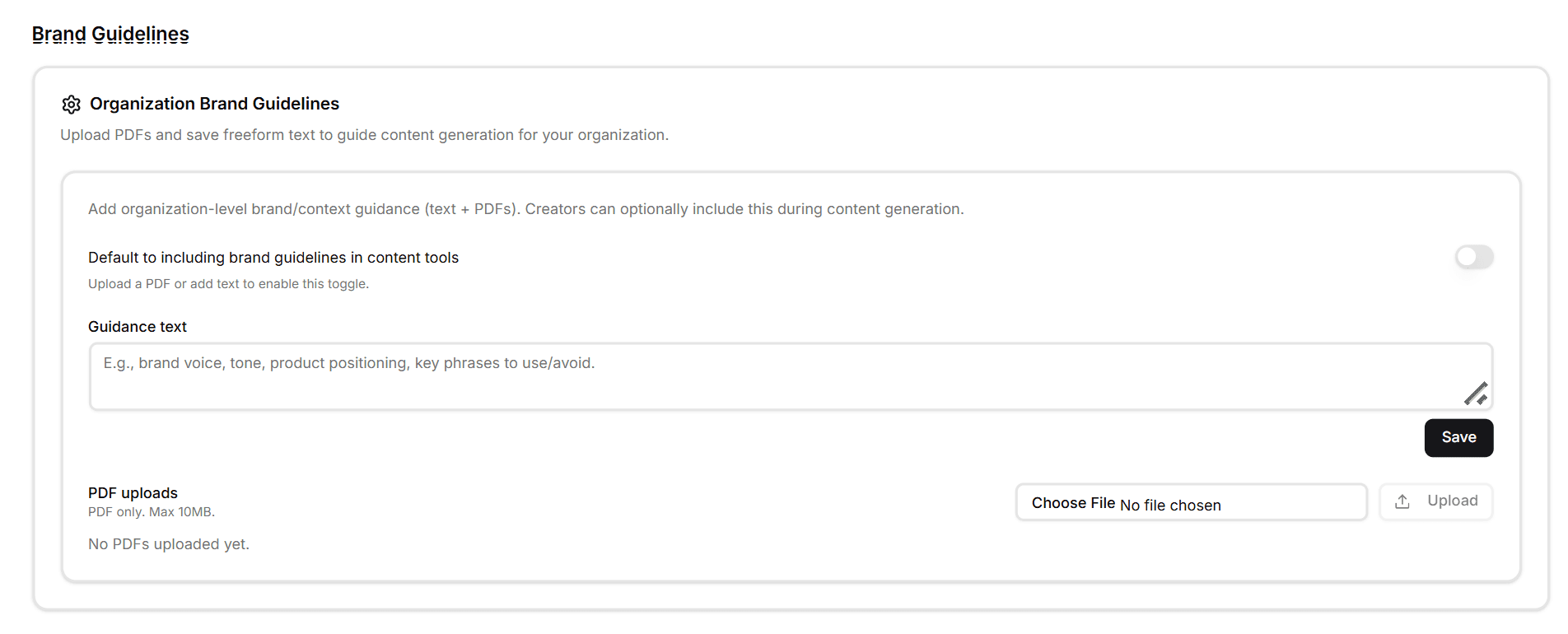
The bigger card underneath is Brand Guidelines — organization-level brand context that feeds straight into Content Generation. Two input modes:
Guidance text — a freeform text area for voice notes, tone rules, key phrases to use, key phrases to avoid, product positioning, and anything else writers on your team would normally hold in their head. Placeholder gives you a starter list: brand voice, tone, product positioning, key phrases to use/avoid.
PDF uploads — upload your brand book, messaging doc, or positioning deck (PDF only, max 10MB). XLR8 extracts the text and feeds it into the same guidance layer as your freeform text, so you don't have to rewrite an existing doc by hand.
Both formats live at the organization level — set once, available to everyone in your workspace.
"Default to including" toggle
A single toggle at the top of Brand Guidelines — Default to including brand guidelines in content tools — controls whether new Content Generation runs include your guidance automatically.
On — every new generation job pulls your guidance text and uploaded PDFs in by default.
Off — guidelines are available on a per-run basis, opt-in.
The toggle is only available once you've actually uploaded a PDF or added text, so the platform never silently injects empty guidance.
Why it matters
The single hardest thing about scaling content generation is keeping voice consistent across writers, projects, and runs. Settings — Company Profile for what to write about and Brand Guidelines for how to write it — is the system of record that carries through whether the next piece is generated by you, a teammate, or a contractor in the same workspace.
Available today
Find both cards under Settings in the sidebar. Save your company once, paste in your voice notes, upload your brand book, flip the toggle on — and every new run inherits the right defaults.
