Introducing Outreach: turn experiment citations into listicle outreach campaigns

Your visibility experiments already tell you which listicles and roundups are being cited by LLMs in your category. Outreach turns that signal into action — find the contacts behind those articles, draft emails with AI, send from Gmail, and track every reply and follow-up in one place.
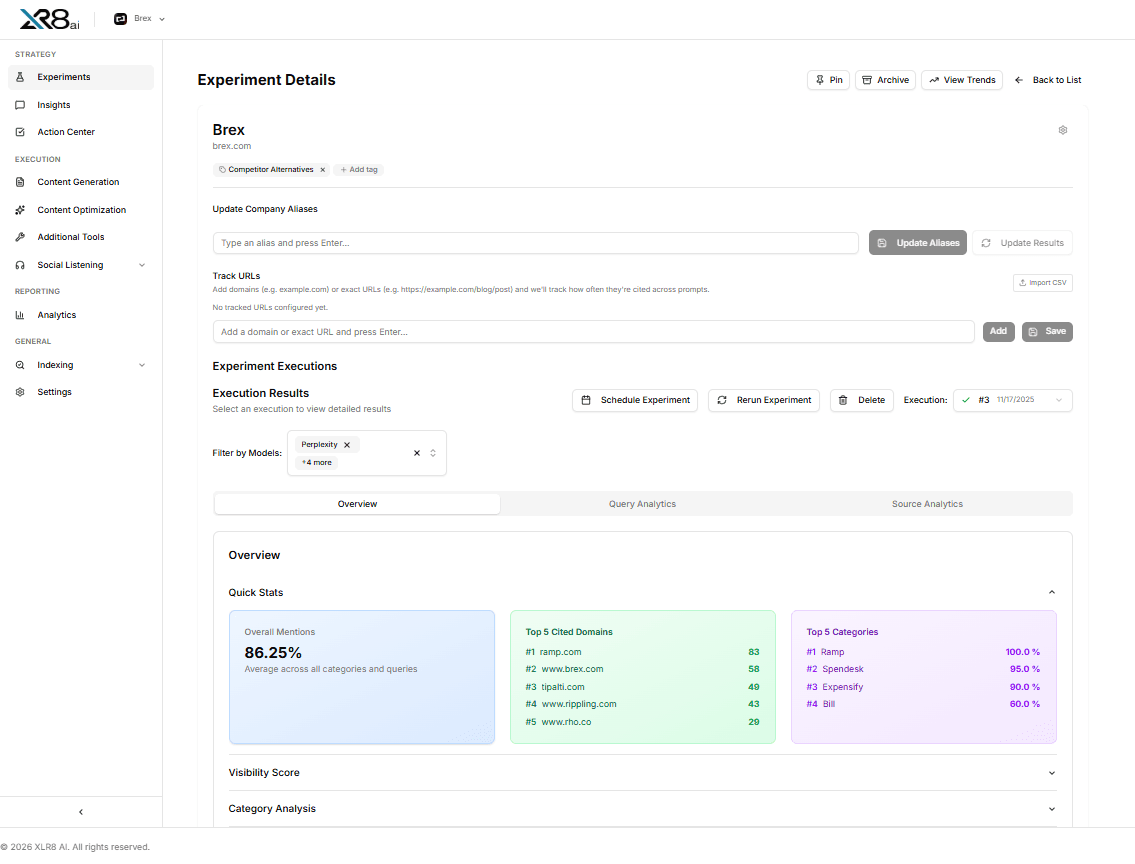
Start from experiment citations
Outreach lives under Execution → Outreach. From there, pick any visibility experiment and click Sync to pull in the listicle opportunities its citations have surfaced. Each one becomes a prospect row with a relevance score, citation count, and competitor presence already filled in.
You can also add prospects manually with Add prospect if there's a specific article you want to go after that isn't in the sync.
Find contacts, then draft
For each prospect, hit Find and AI will surface relevant contacts at that publication — editors, content leads, whoever's most likely to own the piece. You can also add or manage contacts manually.
Once you have a contact, click Write to draft the email. You can Generate from article and let AI write the pitch based on the actual article content, or write a custom message from scratch. Use [contact_name] anywhere in the body for personalization.
Send from Gmail and set follow-ups
When the email is ready, hit Send, choose which connected Gmail account to send from, and set your follow-up schedule. You get up to two follow-up emails, spaced 1–14 working days apart — weekends are automatically skipped.
To connect a sender account, go to Settings → Integrations → Outreach Email → Connect Gmail.
Track everything in one view
Every prospect moves through a clear status pipeline: Pending → Sending → Sent → Follow-up sent → Reply received (or Failed / Inactive). Summary chips at the top give you a live count across each stage.
The table filters let you slice by score, status, assignee, or sort by most cited, most competitors, or recently synced — so you can prioritize the highest-leverage prospects first.
Replies and sent emails are also surfaced in the Inbox and Outbox tabs on the Outreach hub, across all experiments, so nothing falls through the cracks.
Why this matters
Most teams find out they're missing from a listicle weeks or months after it was published. By the time someone notices, the article has been cited hundreds of times. Outreach surfaces those gaps the moment your experiments detect them — and puts the pitch workflow right next to the data, so the gap actually gets closed.
Available today under Execution → Outreach. Connect Gmail first under Settings → Integrations.