View every LLM response — and every source it cited — in one place
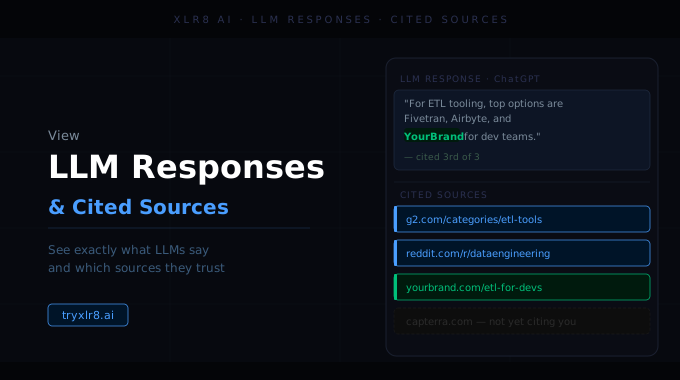
You can now drill into any Experiment result and see the full LLM response alongside every source the model cited. No more screenshotting individual answers, no more wondering why a visibility score moved.
What you see per result
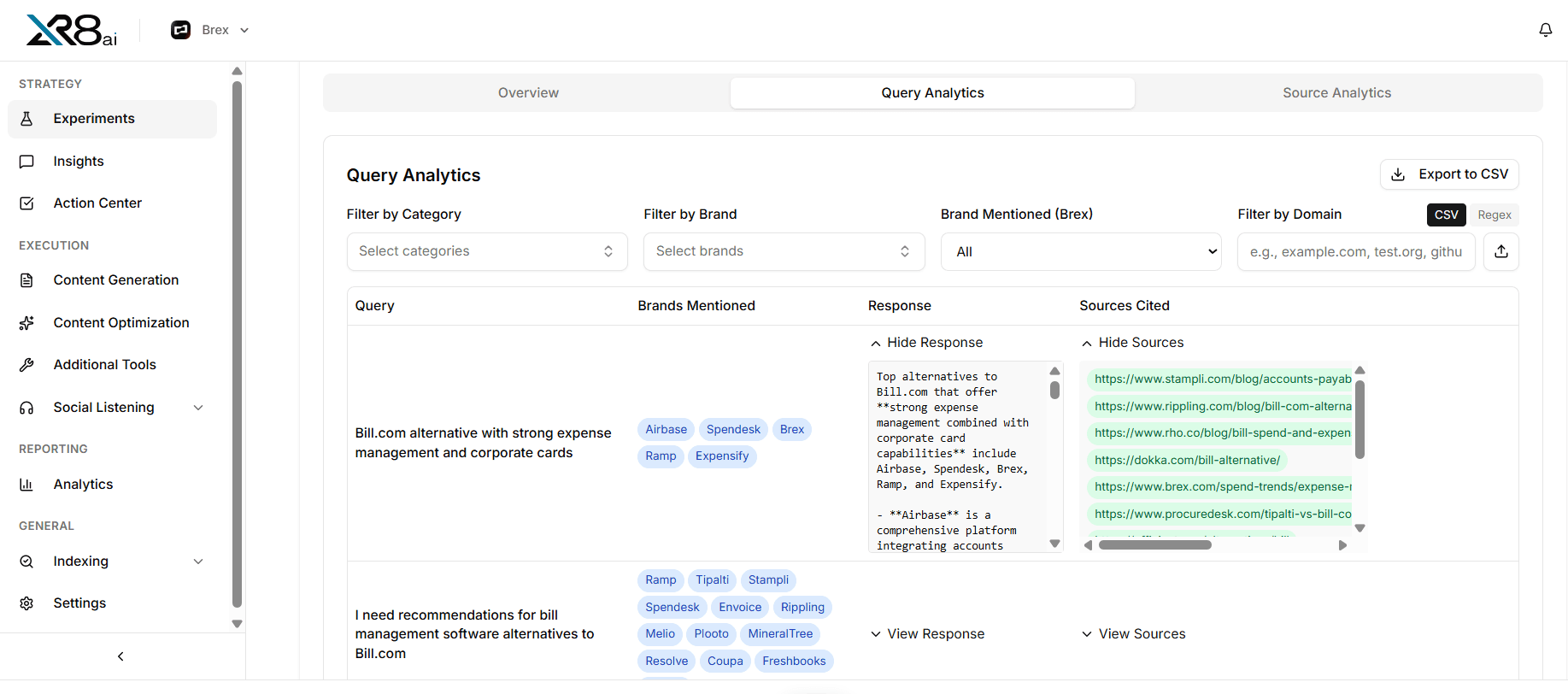
Open any query × model cell in an Experiment and you get:
The complete response text — the same answer a buyer would see, not a summary or snippet
Brands mentioned — every brand the model surfaced, extracted automatically
Citation URLs — every link the model attributed, ranked in the order it cited them
Query and category — which query under which category is populating your brand name in responses
Why it matters
Every metric in Experiments — visibility score, share-of-voice, sentiment — is traceable down to the exact response that produced it. When a number changes, you can find out why in a click.
Available today
Open any Experiment, click into a result, and the full response + citations are there. The Insights Agent uses the same data layer to answer your questions — and every answer it gives links back to the underlying response rows.
