Introducing the WordPress integration: publish to one or many WordPress sites
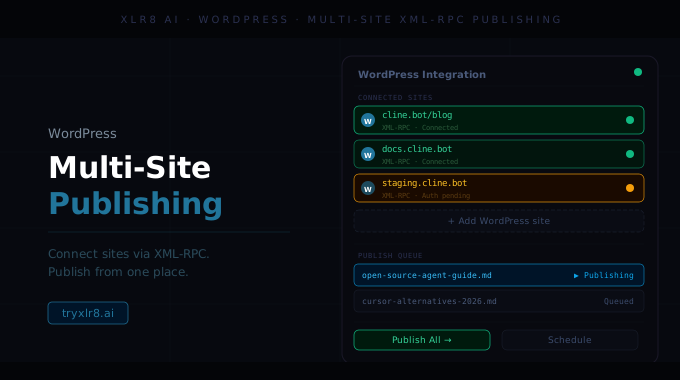
WordPress publishing is now live in XLR8. Connect one site, or many — each with its own credentials — and push generated or optimized content straight in.
Connect via XML-RPC over HTTPS
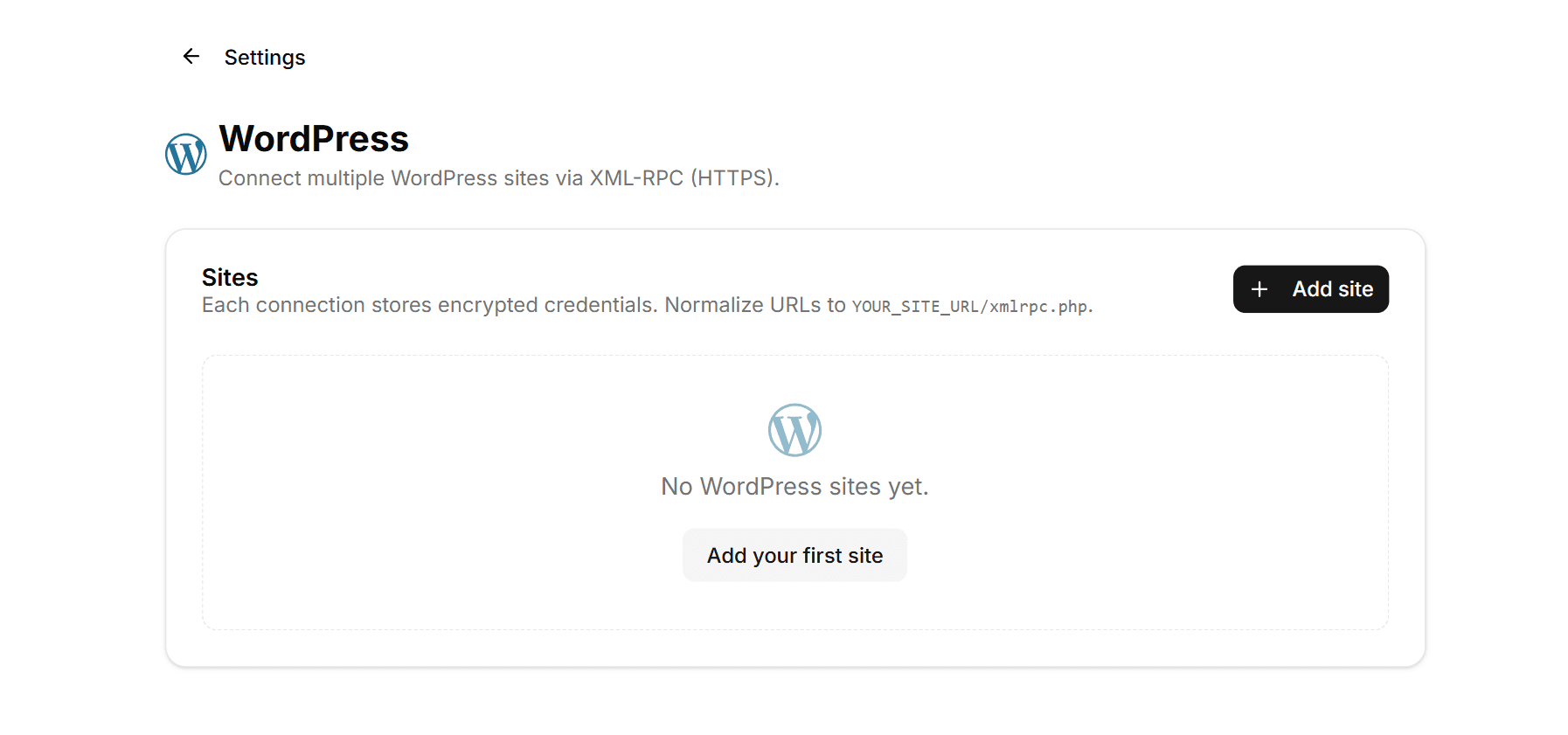
The integration uses XML-RPC over HTTPS, the standard WordPress remote-publishing protocol. To connect, give XLR8 the XML-RPC endpoint of your site — the helper text walks you through it: "Normalize URLs to YOUR_SITE_URL/xmlrpc.php."
Once you've supplied the URL plus your credentials, XLR8 verifies the connection on save and reports any errors directly in the configure panel — so a misconfigured endpoint or wrong password gets caught immediately, not the first time you try to publish.
Multiple sites, one workspace
The Sites section is built around the fact that most teams ship to more than one WordPress install — a main site, a blog property, a careers site, multiple language sites, or several brand domains.
Click + Add site to register a new connection. Each connection has its own label (for human reference), its own XML-RPC URL, and its own encrypted credentials. You can publish to any
of them on a per-post basis without re-authenticating.
Why it matters
The fastest way to lose the value of generated content is the copy-paste step between the generation tool and the CMS. The WordPress integration removes that step — including for the messy multi-site reality most teams actually operate in.
It also turns the optimization loop into a true loop: refresh in XLR8, publish to WordPress, ping Google + Bing via Indexing, then watch Experiments for the new citations.
Available today
Find it under Settings → Integrations → WordPress. Add your first site to get started; add more as your stack expands. Works alongside Content Staleness so refreshed pages can re-publish through the same connection that put them live the first time.
