Tracked URLs, in bulk: add pages to multiple experiments in one step
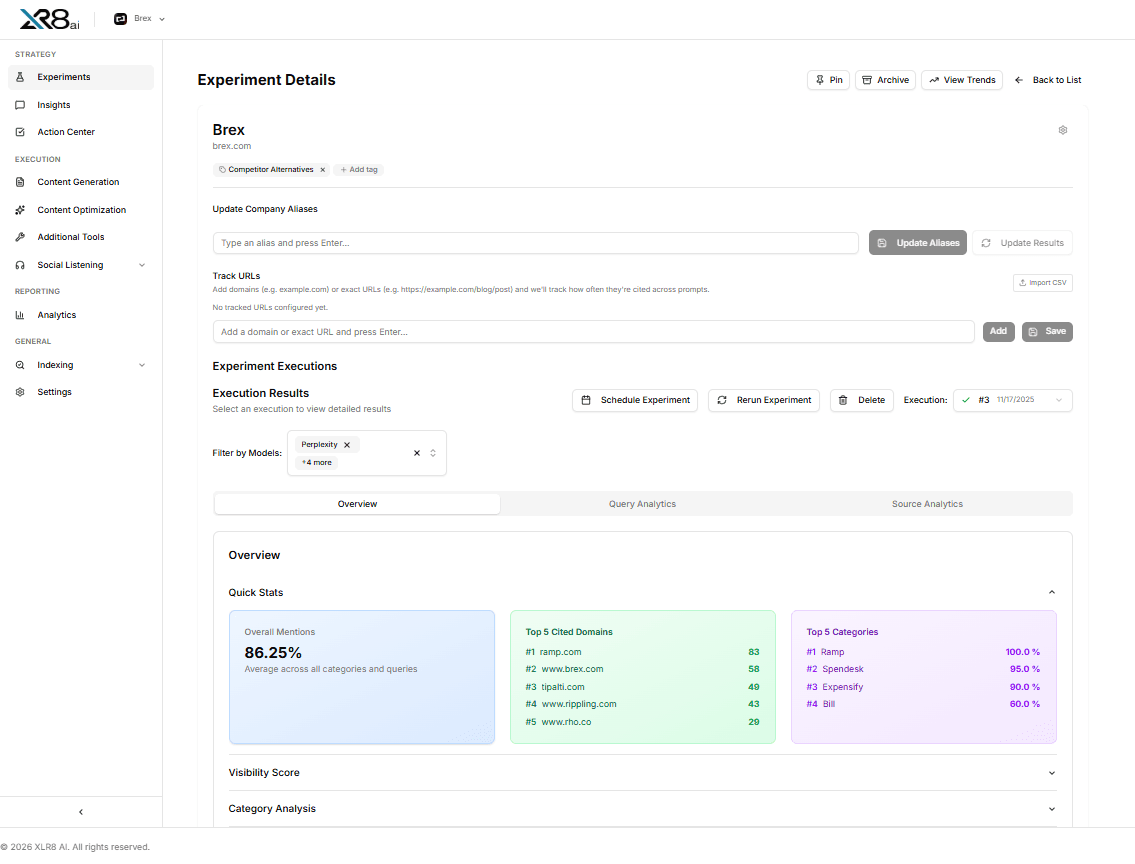
Tracked URLs show whether specific pages get cited by LLMs, whether that's your homepage, a pricing page, a comparison page, or a Reddit thread you're working on. XLR8 matches those URLs against citations in every response and scores how much citation weight each page carries.
The catch was setup. If you ran ten experiments, adding a new page meant editing ten experiments. That's now one step.
Paste once, apply everywhere
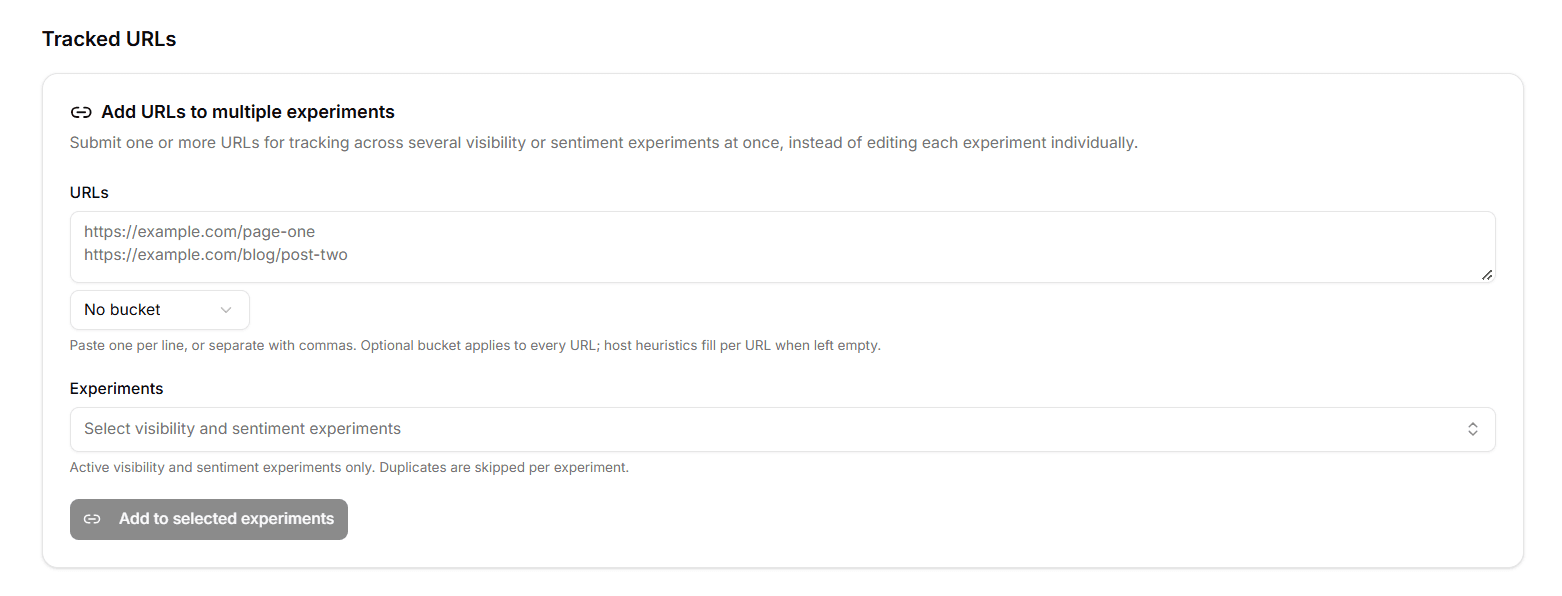
Go to Settings → Tracked URLs → Add URLs to multiple experiments:
Paste your URLs, one per line or separated by commas
Optionally pick a bucket
Select the experiments to update
Click Add to selected experiments
Only active visibility and sentiment experiments appear in the list. Duplicates are skipped for each experiment, so re-adding a URL that's already tracked does no harm.
Bucketing
Buckets group tracked URLs in Source details and Analytics. If you pick a bucket, it applies to every URL you pasted. If you leave it empty, XLR8 assigns one per URL based on the site, such as Reddit, YouTube, LinkedIn, or PDF, so a mixed list sorts itself.
Clear results
After you submit, XLR8 shows which experiments were updated, which were already tracking the URLs, and which failed. You don't have to open each experiment to check.
Why this matters
Tracked URLs work best when they're current. When you publish a new page, refresh an old one, or leave a comment on a cited Reddit thread, you want every relevant experiment watching it from the next run. Bulk adding makes that a thirty-second task.
It fits the rest of the loop: publish or refresh content, submit it through Indexing, add it as a tracked URL, then check every response and source to see when LLMs start citing it. For Reddit threads, it pairs with Reddit Intelligence assignments.
Available today
Under Settings → Tracked URLs. To manage URLs on a single experiment, use that experiment's Settings → Tracked URLs tab. More detail: Settings docs and Visibility experiments docs.